

Oct 20, 2026
How to Make Your Younger Self and Current Self Meet in an AI Video
The younger-self trend is memorable because of the contrast between two versions of one person. Keep the emotion and avoid the awkward anatomy.
Read guide →Practical guides for photo-to-video generation, cinematic prompting, identity references and cleaner AI-video workflows.

A practical step-by-step guide to turning one clear photo into a short cinematic AI video while keeping the subject recognizable.
Read the guide →The younger-self trend is memorable because of the contrast between two versions of one person. Keep the emotion and avoid the awkward anatomy.
Read guide →
For a wedding invitation, the date and venue must be perfect. Let AI handle the atmosphere, not your event details.
Read guide →
An identity edit should not automatically redesign the outfit. Use a preservation-first prompt when the original costume matters.
Read guide →
Saying what not to change can be useful, but a long list of prohibitions can bury the task. Keep exclusions precise.
Read guide →
A talking portrait can be funny for the wrong reasons. Here is how to make the mouth movements support the joke instead of distracting from it.
Read guide →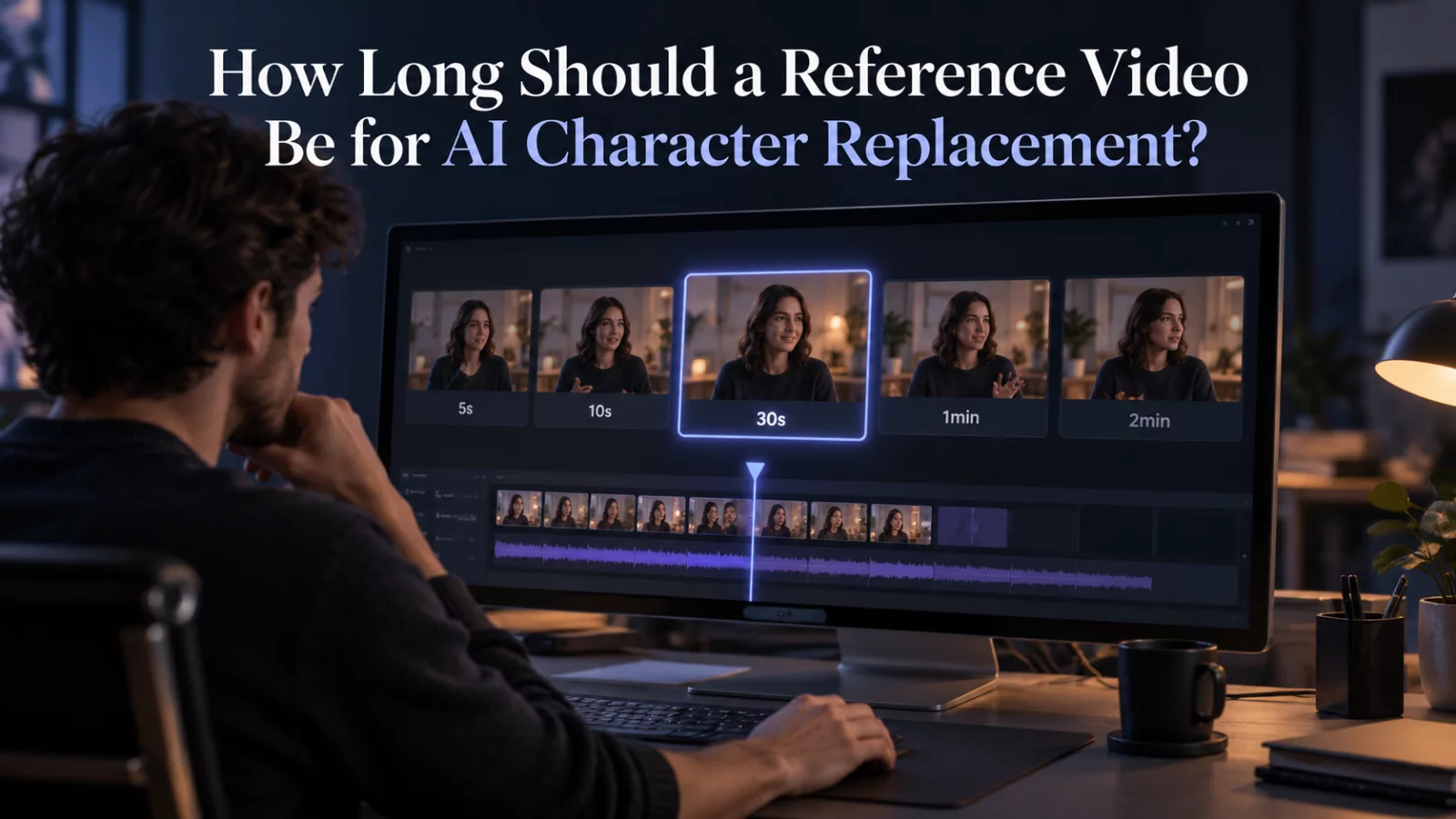
There is no universally ideal clip length. Shorter references make some problems easier, but cutting at the wrong moment can damage the story.
Read guide →
Ten practical improvements that reduce identity drift, strange motion and unstable details in AI-generated videos.
Read guide →
More frames per second can make motion smoother, but not every model supports the same frame rates or benefits from conversion.
Read guide →
Learn how camera direction, scene design, lighting and motion cues can make a short AI clip feel more cinematic.
Read guide →
Image dimensions, face detail and compression are different things. Here is what actually matters before uploading a reference.
Read guide →
What makes a source image AI-friendly? Use this checklist before you animate a portrait, selfie or couple photo.
Read guide →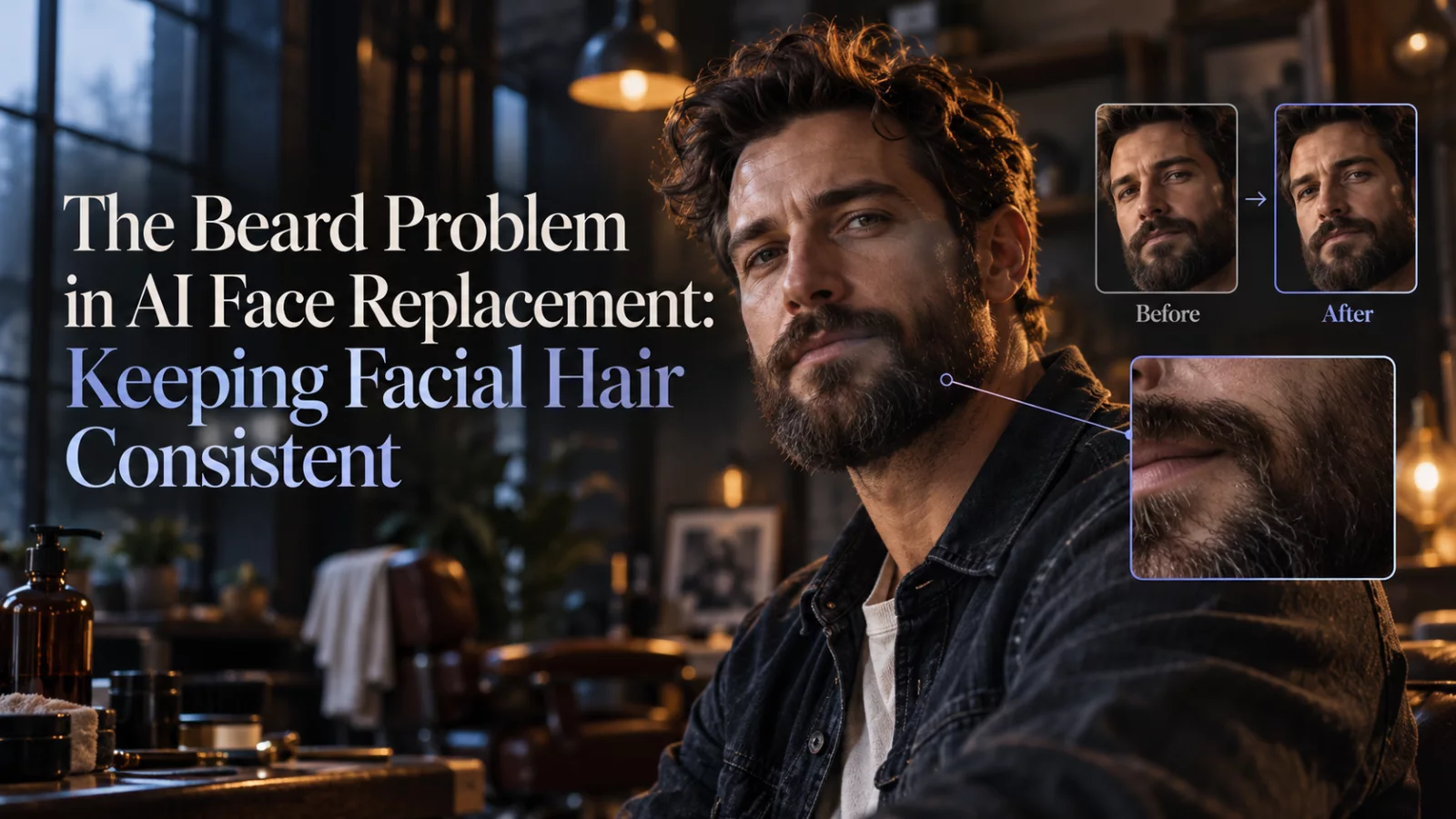
Why a clean-shaven reference can inherit the source actor’s beard, and what to change before another paid generation.
Read guide →
A clear overview of reference-driven video transformation, identity preservation and the inputs that matter most.
Read guide →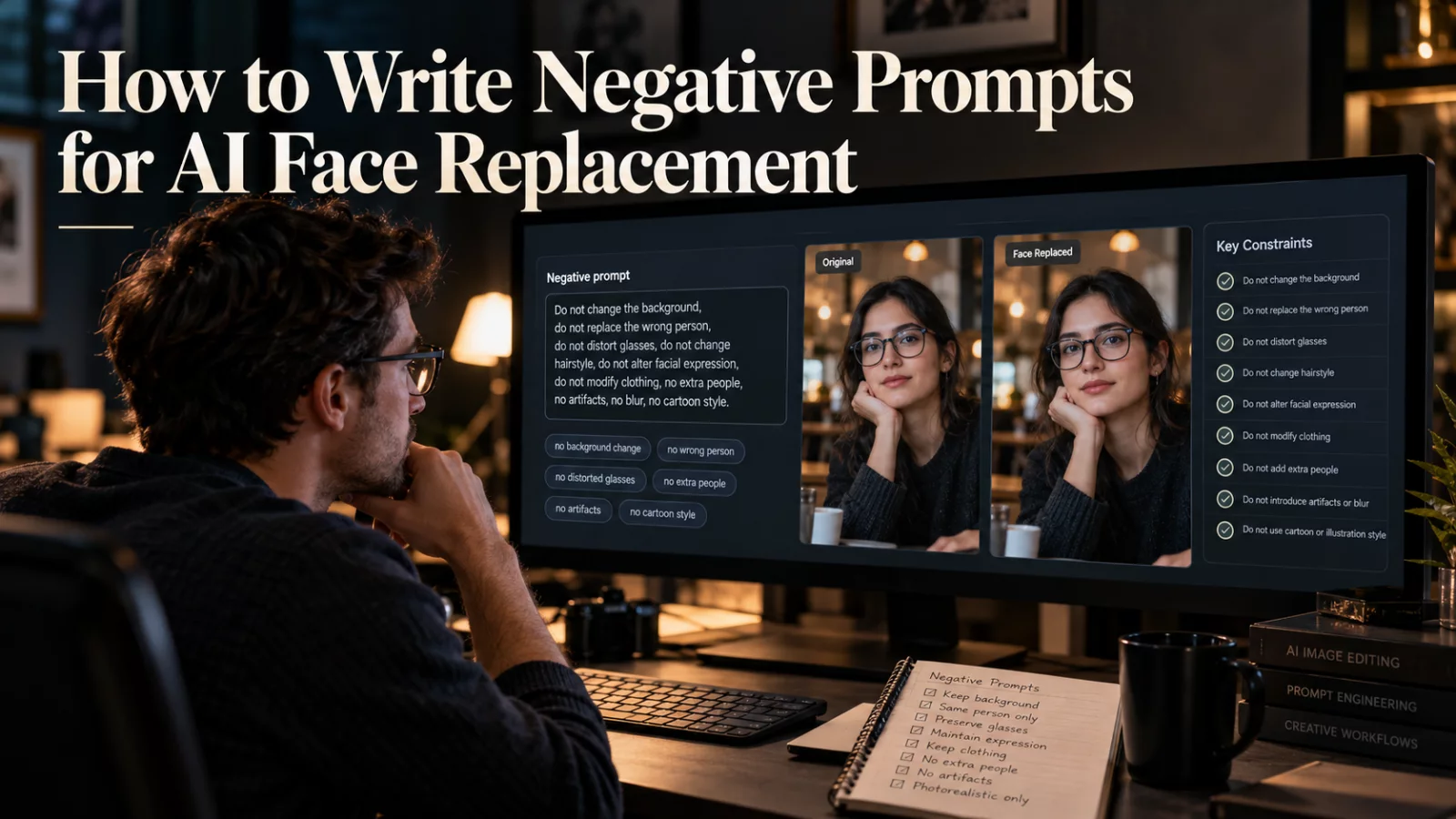
When the source actor has short hair and the replacement has long hair, the model needs a clear rule about which style belongs in the finished clip.
Read guide →
Understand the difference between creating motion from a still image and transforming an existing reference video.
Read guide →
A practical workflow for two-person AI scenes, including separate references, interaction prompts and common identity problems.
Read guide →
Image upload success does not prove the video is accessible to the model. Learn the difference between accepting a URL and reading the file.
Read guide →Reusable prompt patterns for camera motion, portraits, city scenes, atmospheric movement and subtle human action.
Read guide →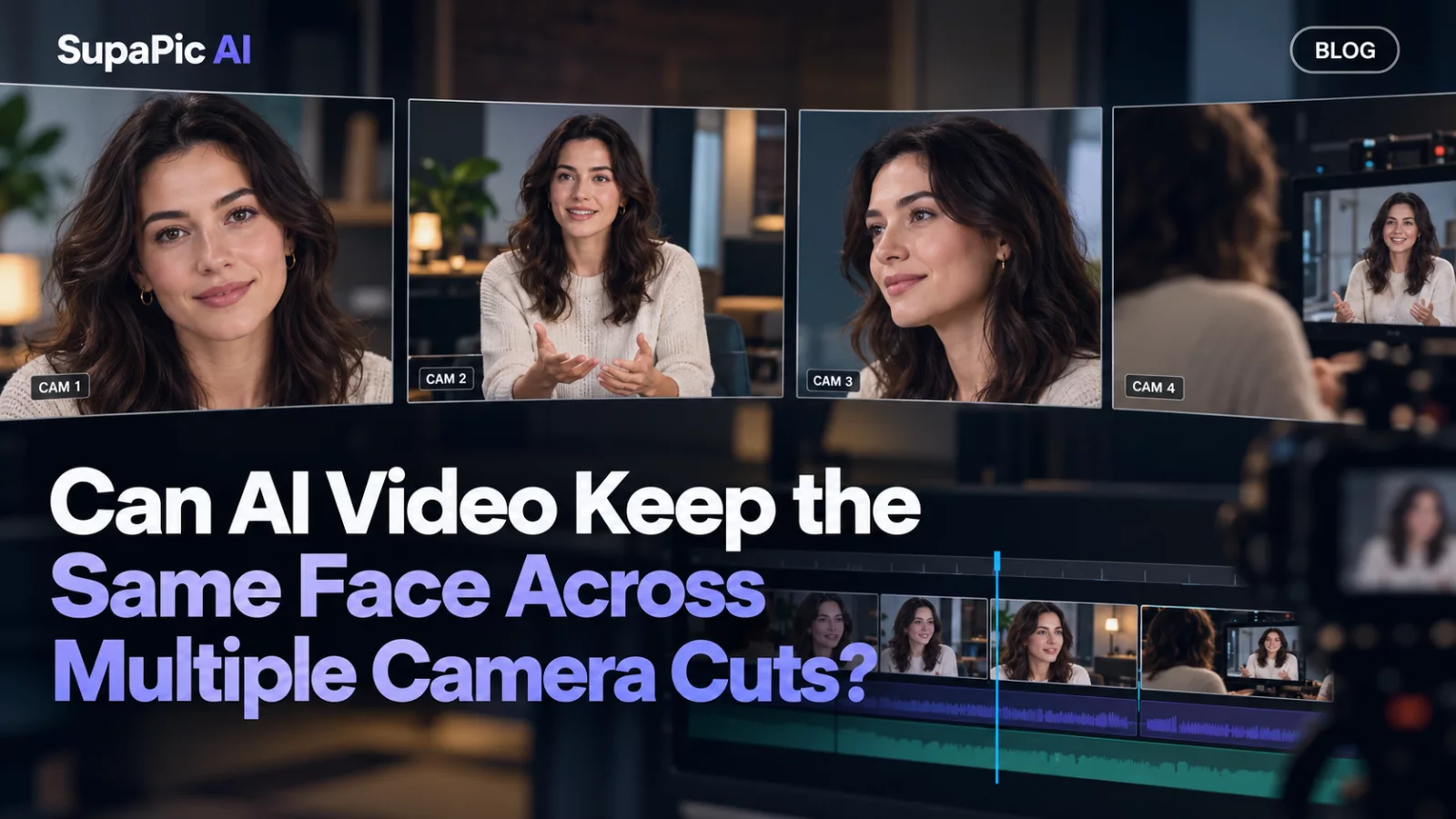
Identity continuity is tougher when every cut changes the angle, lighting and screen position of the actor.
Read guide →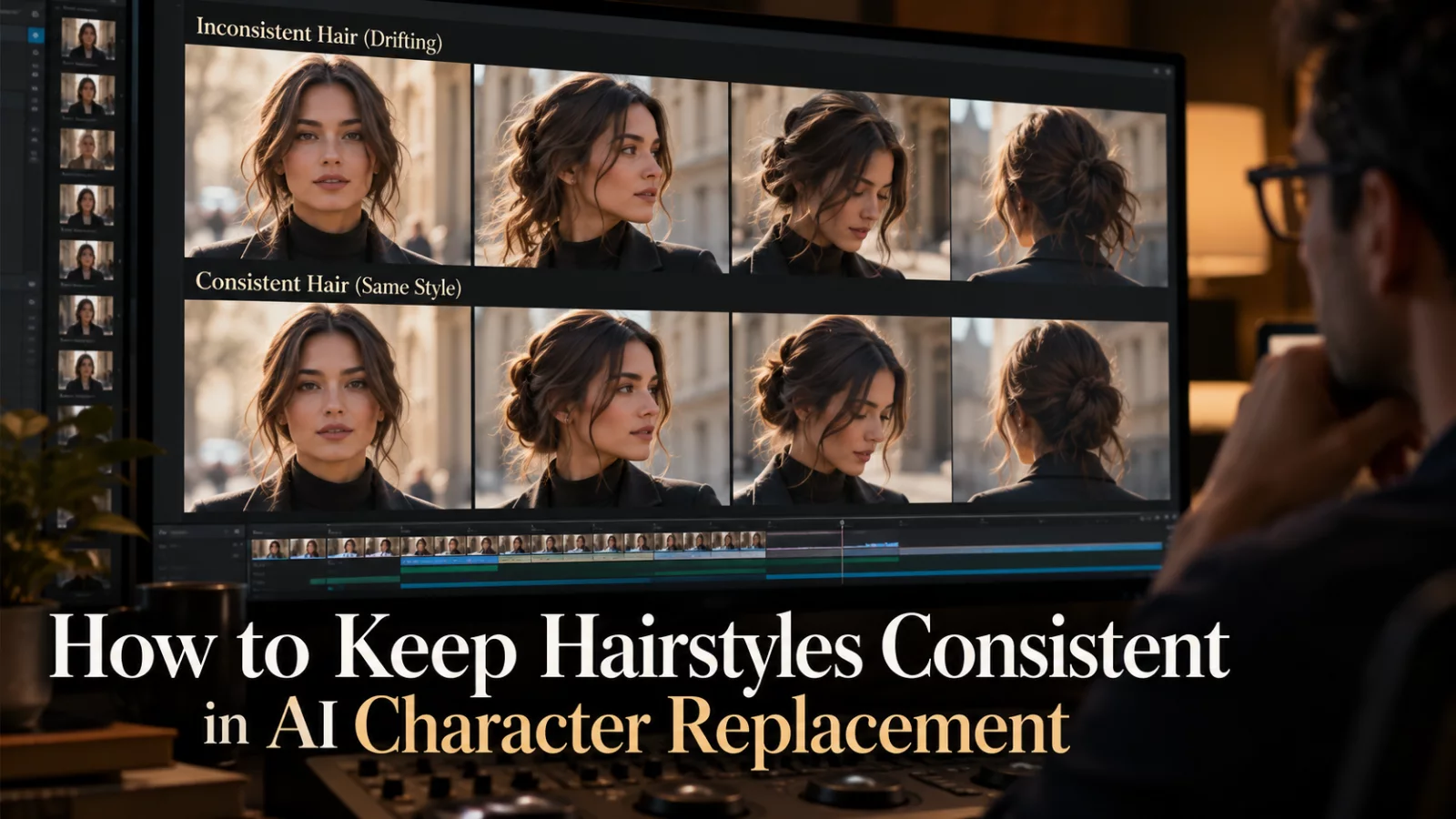
Before spending credits, run through these ten practical checks. They catch the most common errors early.
Read guide →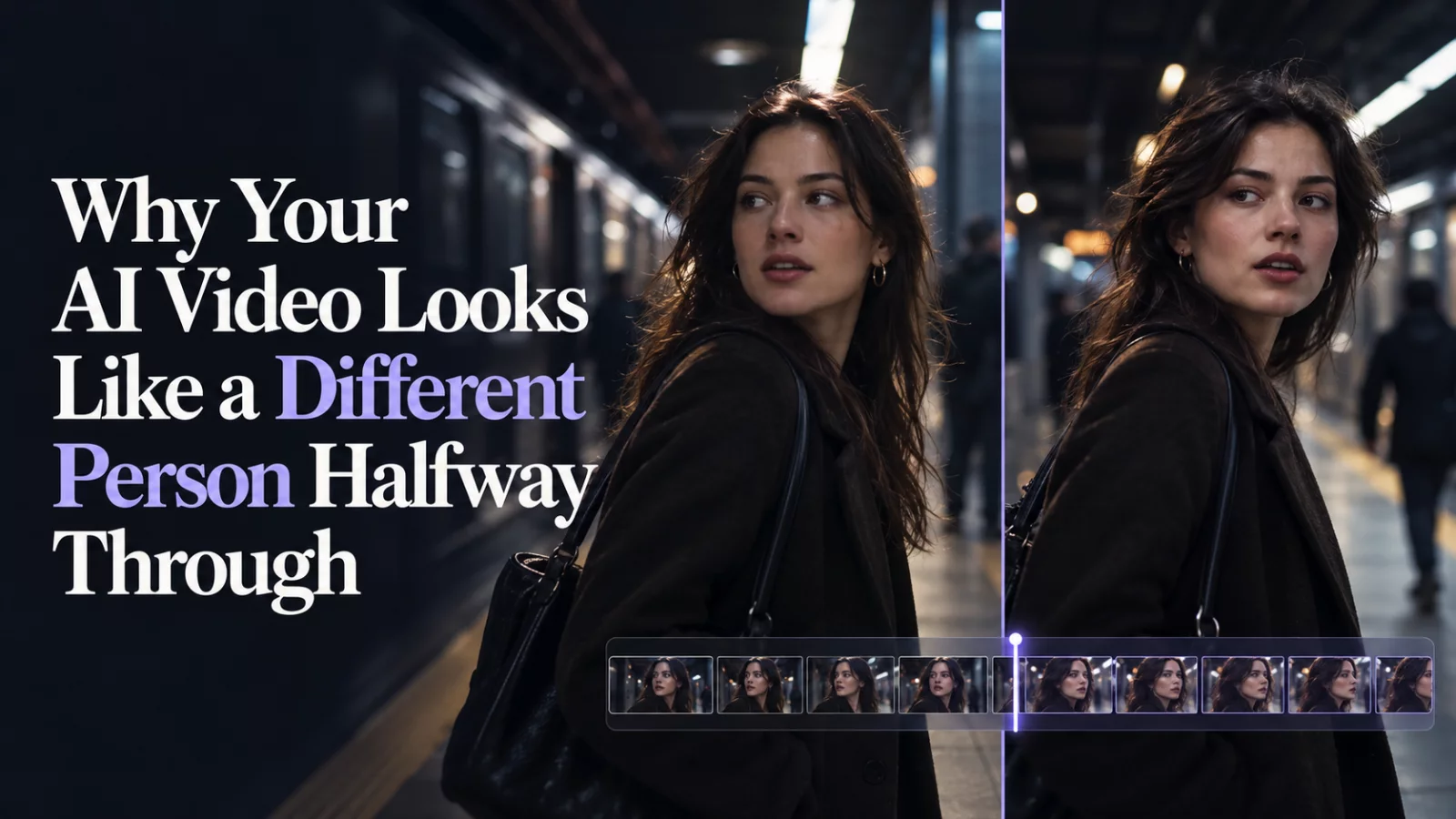
Identity drift is easy to miss in a short preview. Learn where it comes from and how to catch it before publishing.
Read guide →
Upscaling can enlarge a finished video, while an HD generation asks the model to produce its own higher-resolution result. They are not interchangeable.
Read guide →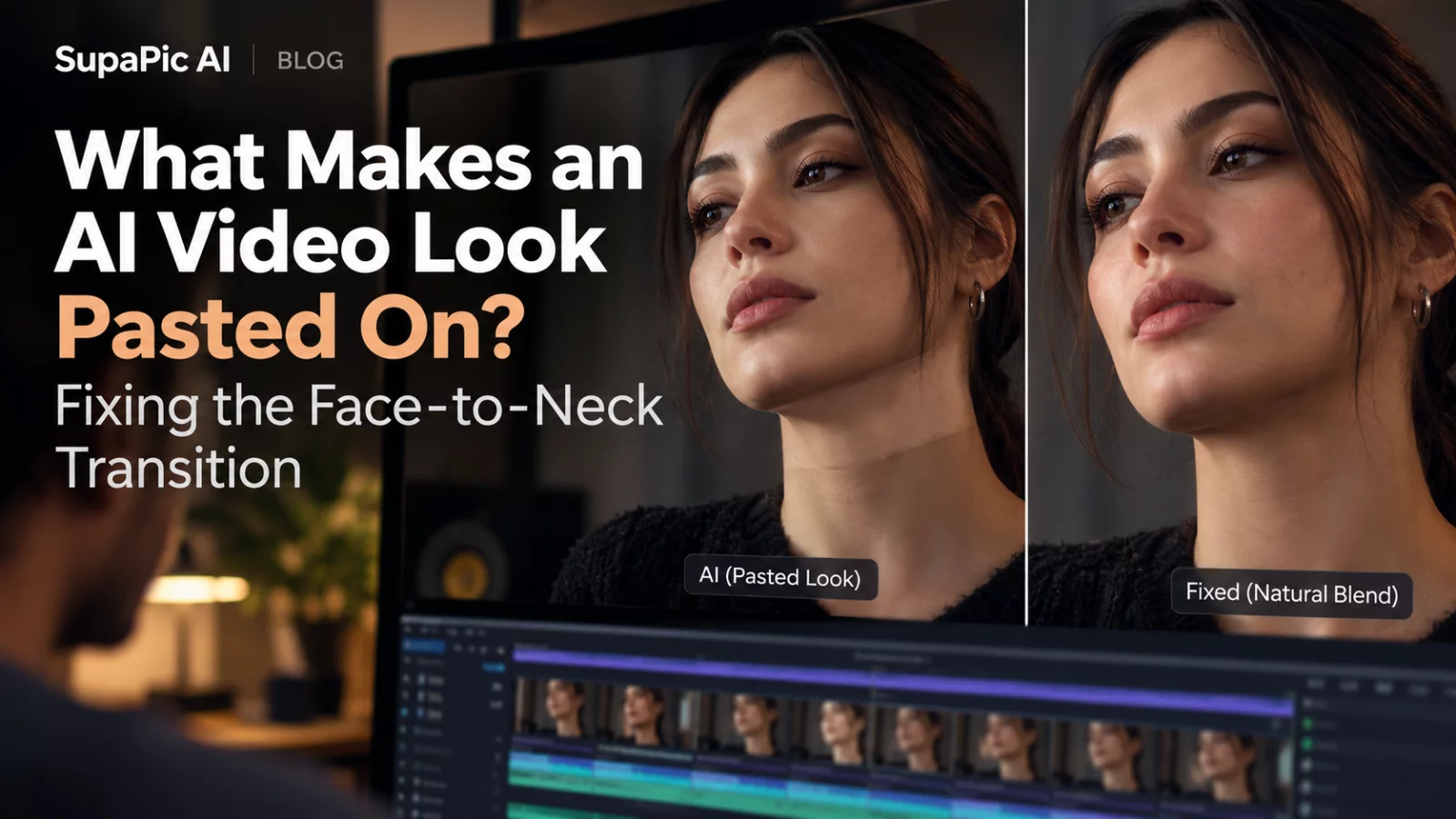
An accurate face can still look fake when the jaw, neck and lighting disagree. Here is where to look first.
Read guide →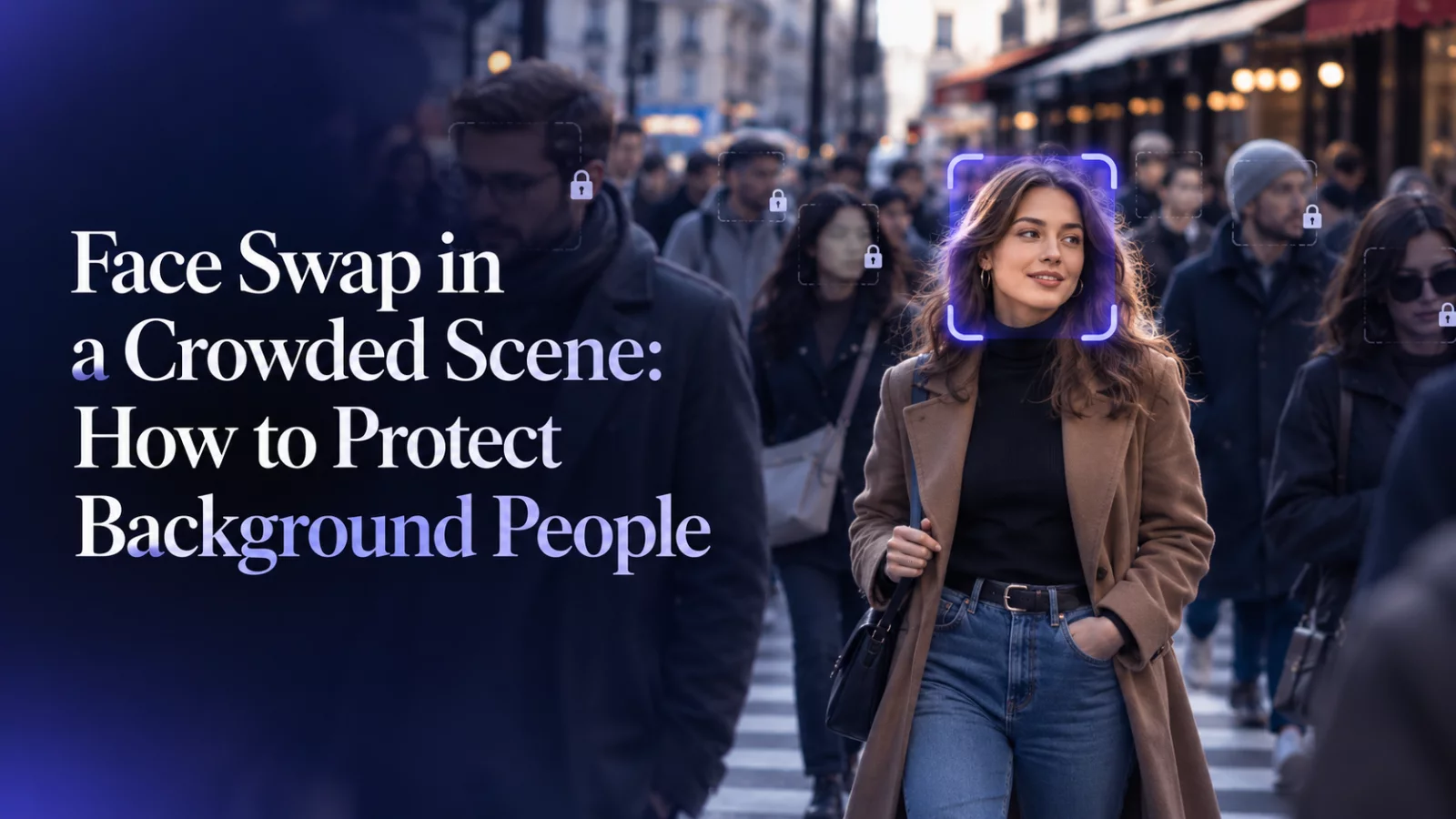
Extra faces create extra opportunities for the model to pick the wrong target. A good edit starts with an explicit exclusion list.
Read guide →
When two characters share a clip, clear identity mapping matters more than an elaborate cinematic prompt. This workflow keeps the roles separate.
Read guide →
A good editing prompt tells the model what may change and what must remain. That boundary is more useful than a long list of adjectives.
Read guide →
The most dramatic portrait is not always the most useful. Even light helps a model understand facial structure before adding cinematic lighting.
Read guide →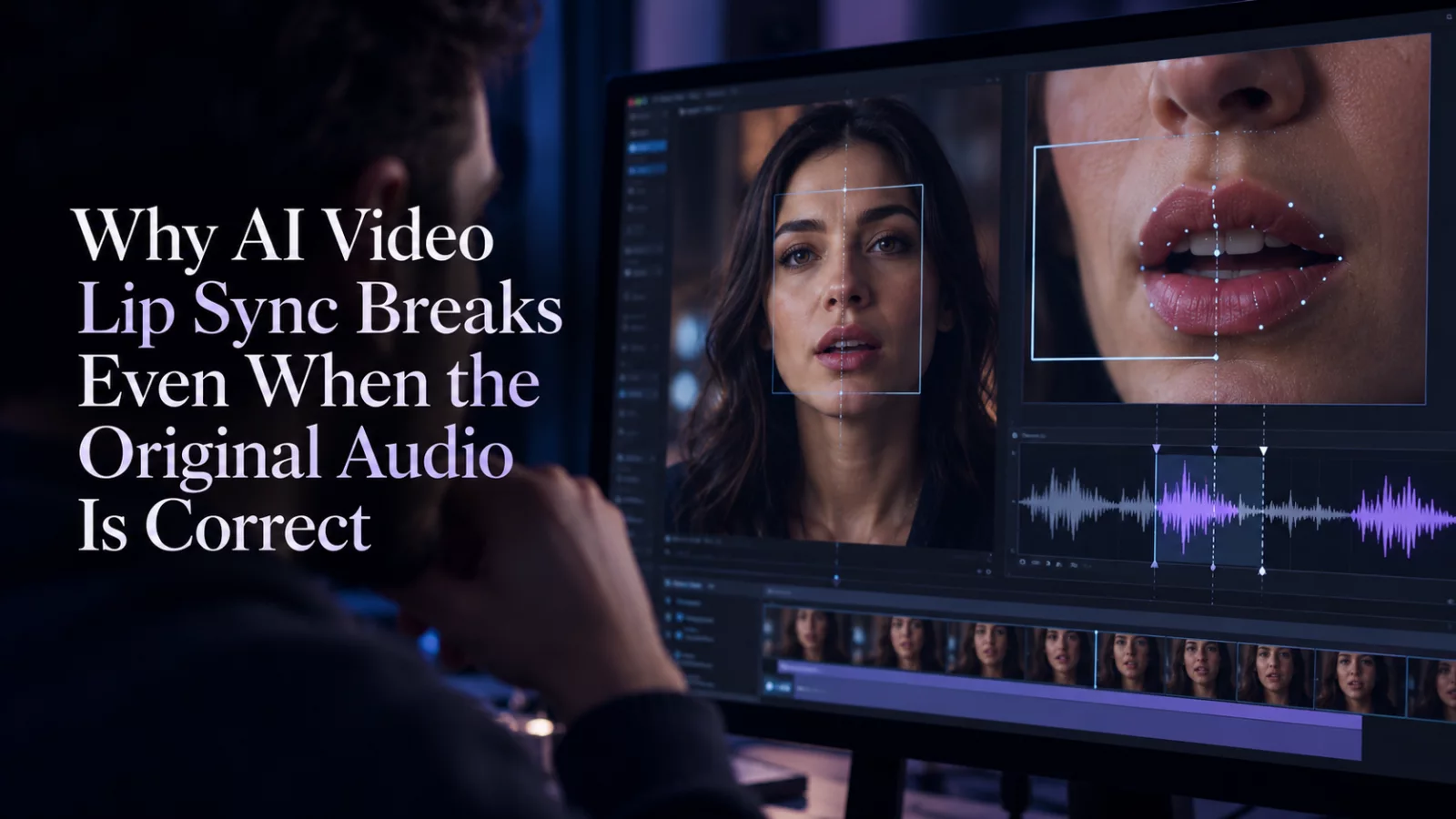
Your audio may be untouched while the mouth motion has changed. The fix depends on which stream drifted.
Read guide →
The final check should go beyond whether the first frame looks good. Watch identity, timing, artifacts and consent.
Read guide →
Aspect ratio changes composition, not just dimensions. Plan where the face will sit before making a final export.
Read guide →
An AI render may be sharp on your computer but softer after upload. Understand compression, framing and source detail before chasing 1080p.
Read guide →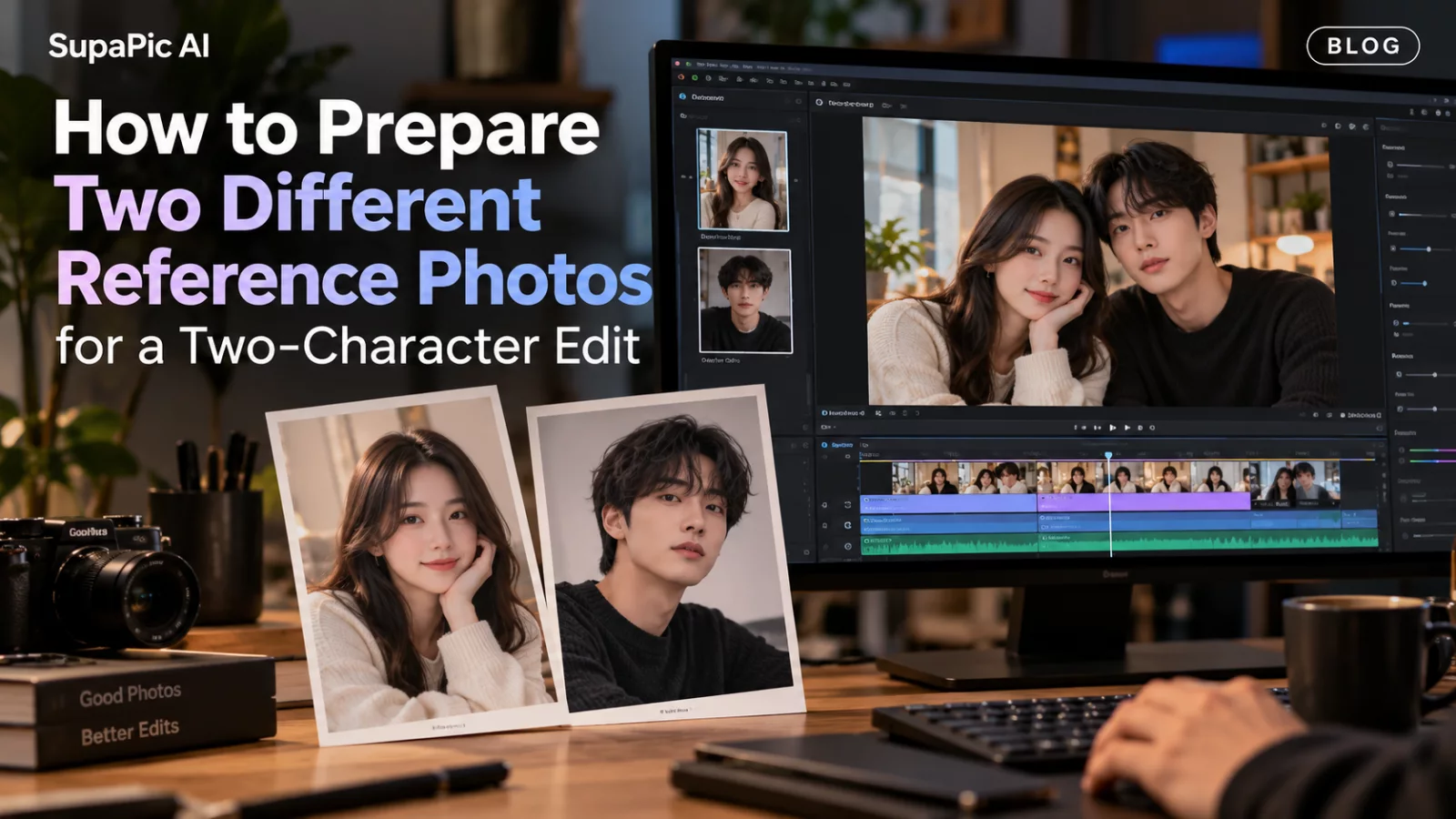
Two uploaded portraits should be distinct, readable and intentionally ordered. Otherwise the model has more opportunities to mix up identities.
Read guide →
These editing labels sound interchangeable, but the amount of the person that changes can be very different.
Read guide →
More pixels can make an AI video sharper, but they cannot repair a bad identity swap or a confusing prompt.
Read guide →
A technically sharp picture is not always a useful identity reference. Perspective, filters and cropping can matter just as much.
Read guide →
Glasses give a face character, but reflective lenses and thin frames can be hard for video models to keep stable.
Read guide →
Push-ins, gentle pans and small tracking moves are useful when you want a portrait to feel alive without unnecessary motion.
Read guide →
Finger distortions are often a sign that the requested action is too complicated for the source. Better framing can help more than another prompt.
Read guide →
A silent MP4 may be exactly what the model produced. Here is how to tell if the issue is generation, merging or playback.
Read guide →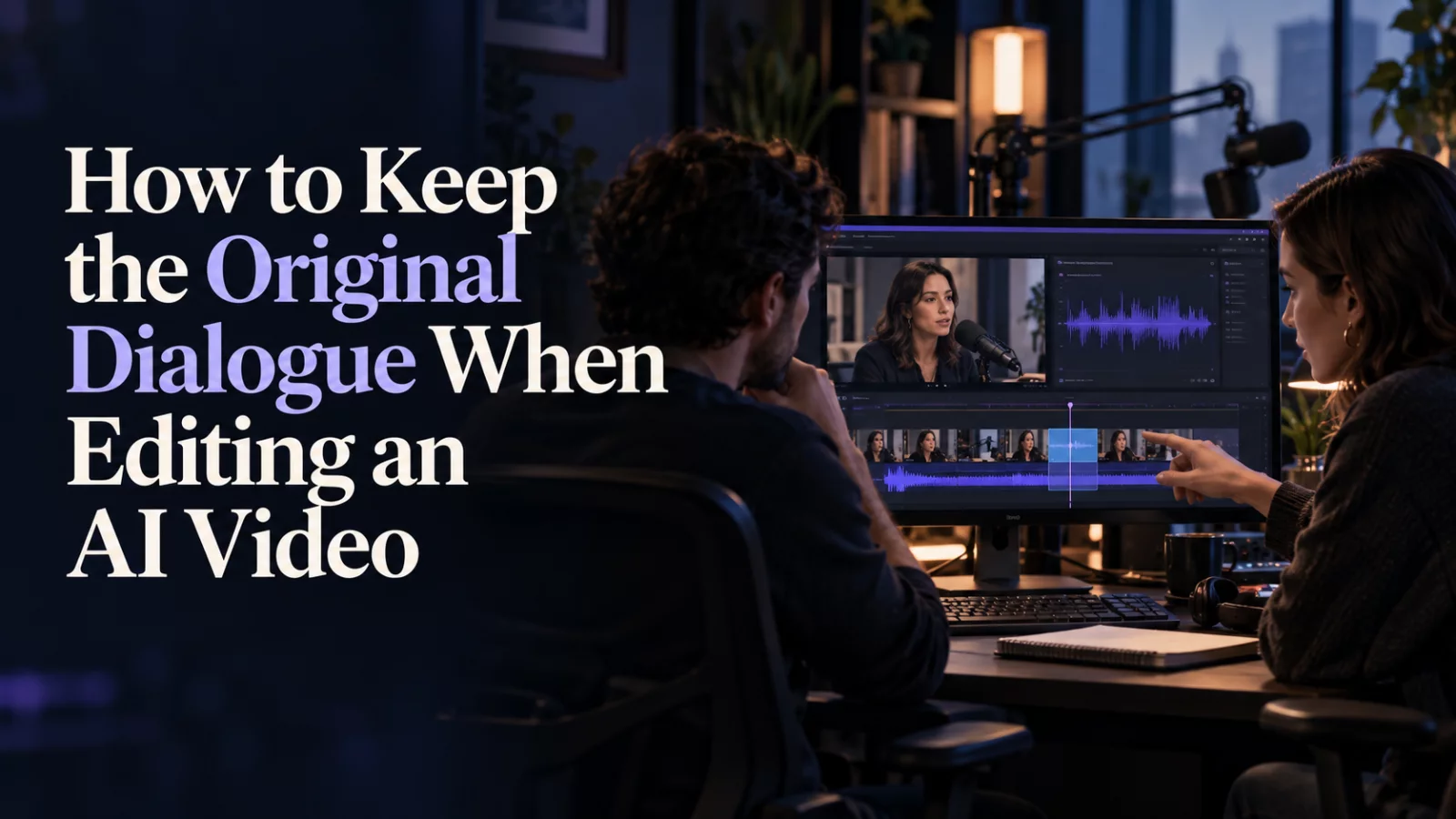
A visual edit does not have to invent new voices. Here is the difference between generating audio and preserving a source soundtrack.
Read guide →
A side profile changes the geometry of a face, not just its angle. Here is how to prepare references that hold together through head turns.
Read guide →
Flicker is usually a frame-to-frame consistency problem, not a lack of sharpness. Here is a more useful way to diagnose it.
Read guide →
A file extension does not tell the whole story. Containers, codecs and server limits all matter when uploading a reference clip.
Read guide →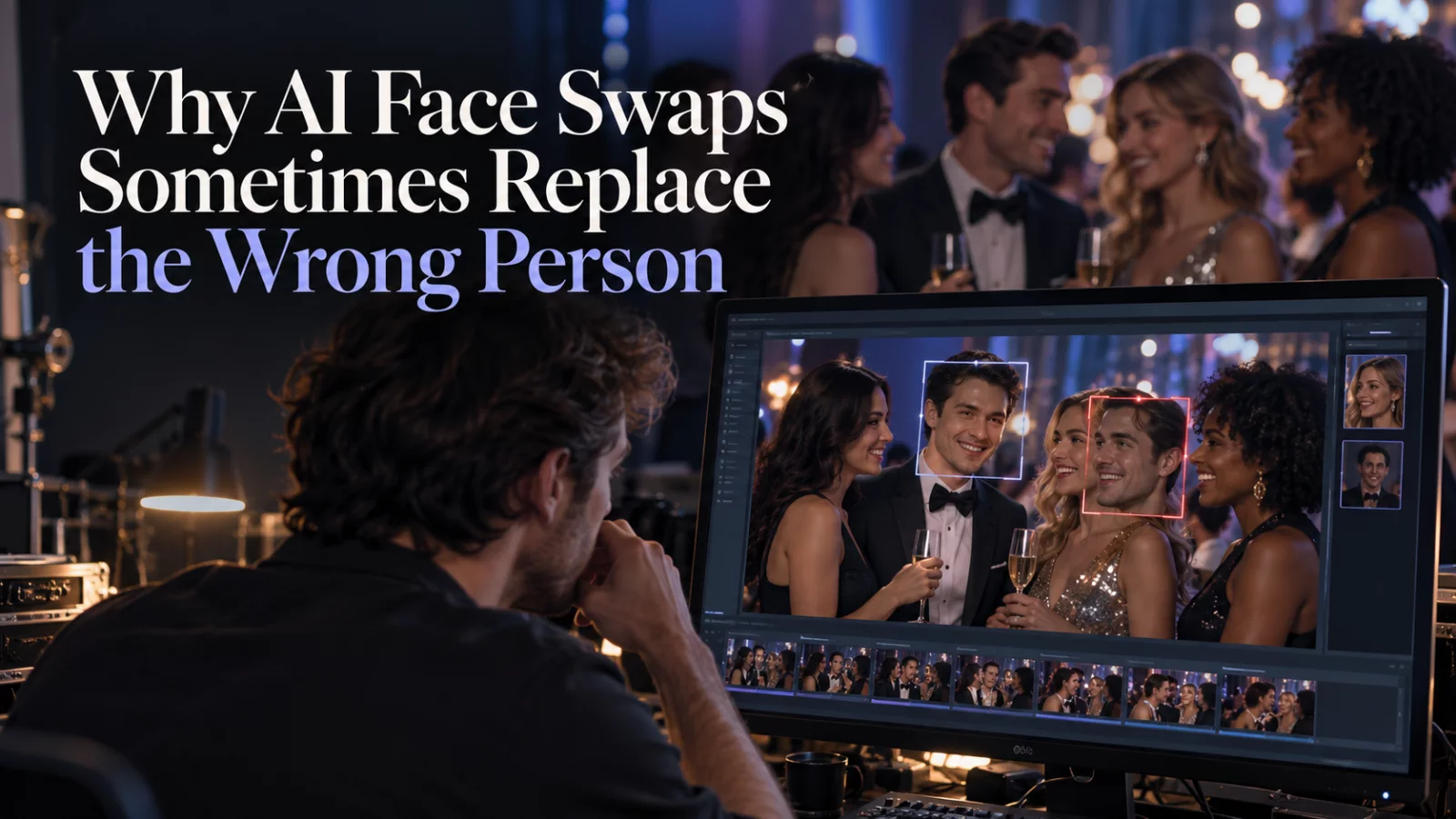
The model may follow prominence instead of your intended role. Here is a more precise targeting strategy for videos with multiple faces.
Read guide →
Old photographs can work, but the missing detail matters. Decide what to restore, what to leave alone, and when not to invent a face.
Read guide →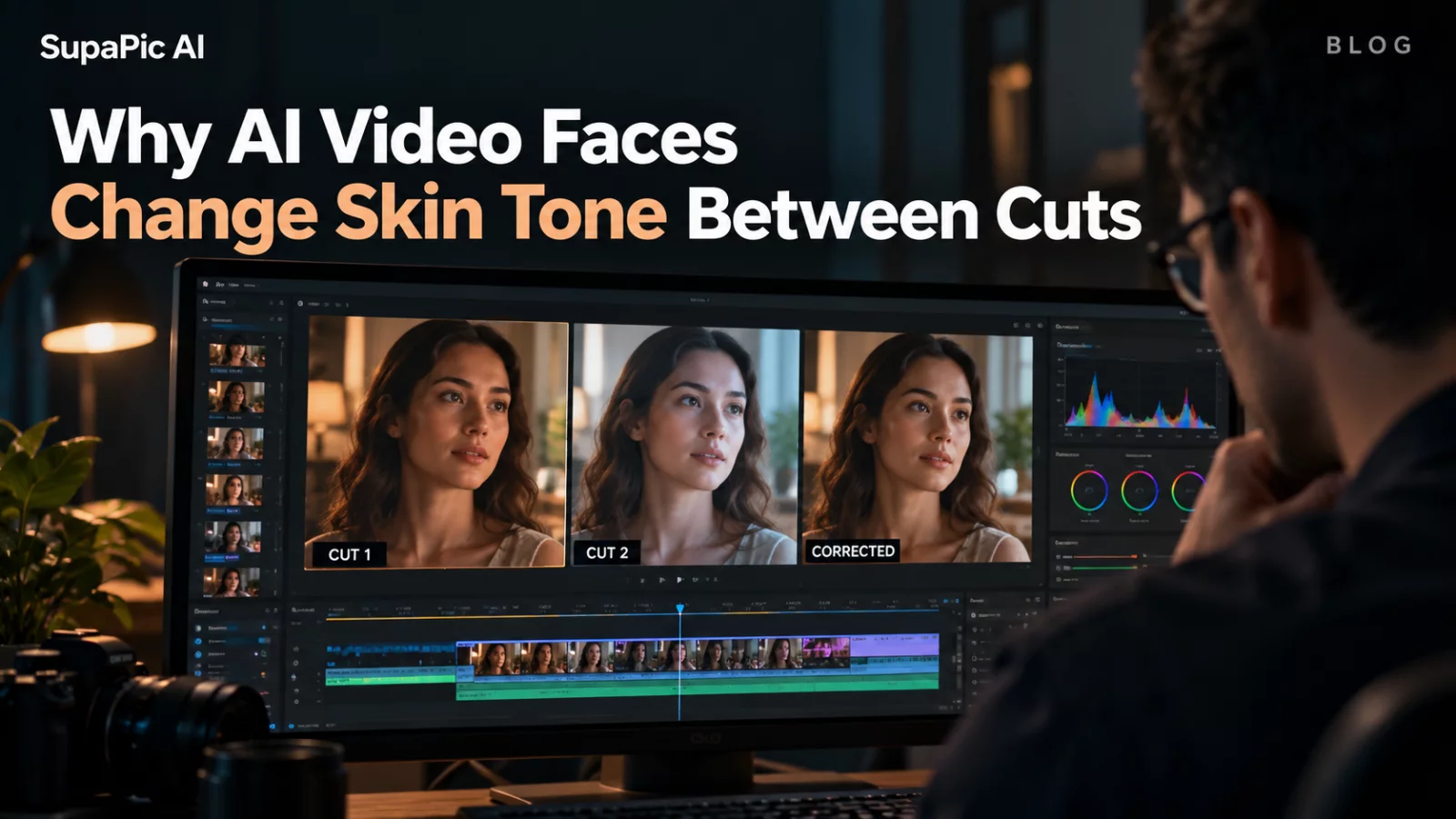
Color shifts are not always an identity problem. Learn to separate changing light from changing facial texture.
Read guide →
A progress bar is not the same as a completed video. Here is how to tell whether generation, delivery or your app’s status tracking failed.
Read guide →
Not every funny scene is a good AI editing candidate. Camera cuts, crowd size and dialogue timing make a big difference.
Read guide →
Before uploading a face, check who can access the file, how long it is retained and what happens after generation.
Read guide →
Small movements often look more believable than a dramatic action sequence. Here is how to direct a portrait without losing its character.
Read guide →