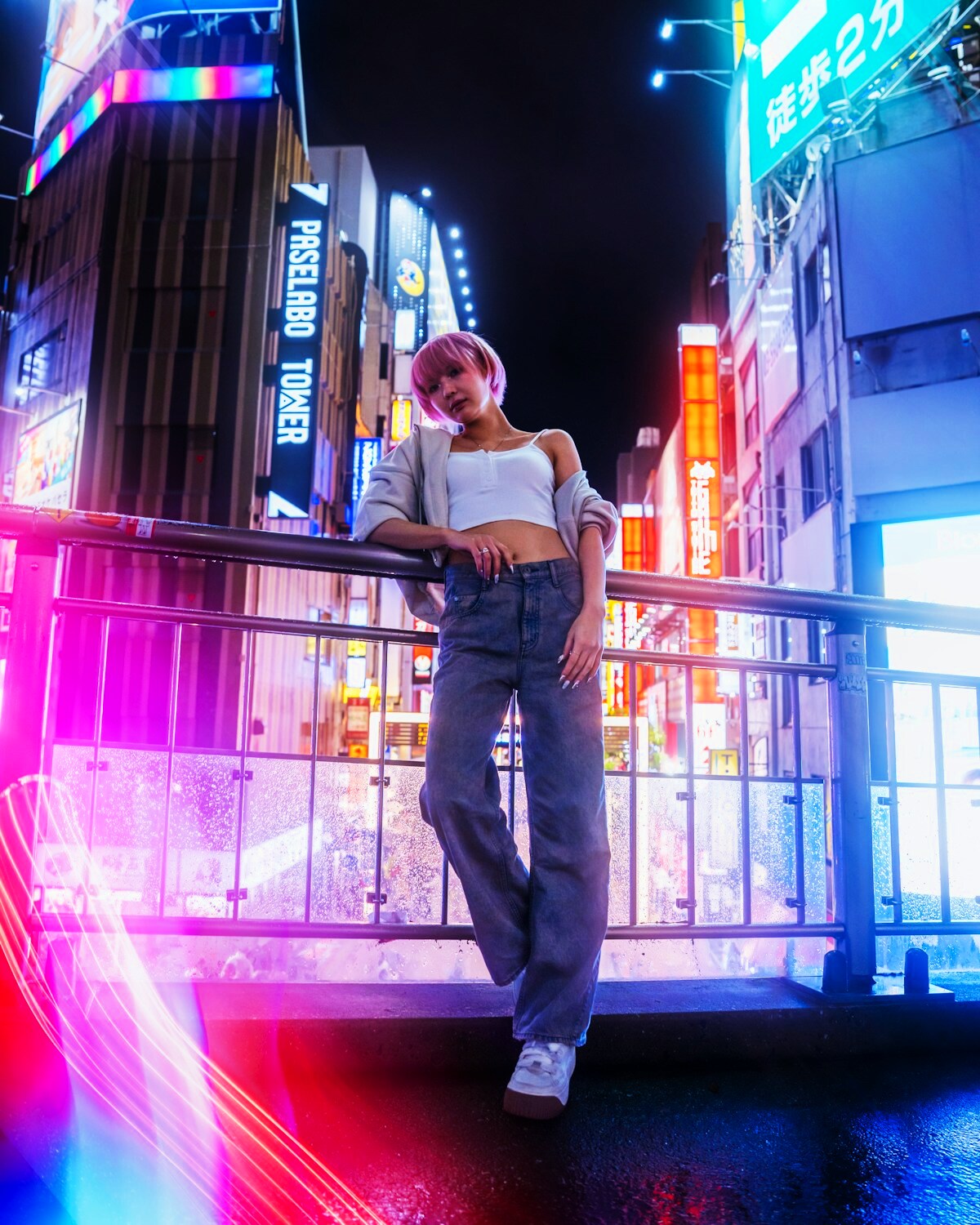
CINEMATIC
Rainy City Walk
Neon reflections, restrained motion and a natural city-night camera move.
Choose a cinematic setup, add your reference photo and turn a still image into a short AI video you can preview, save and download.
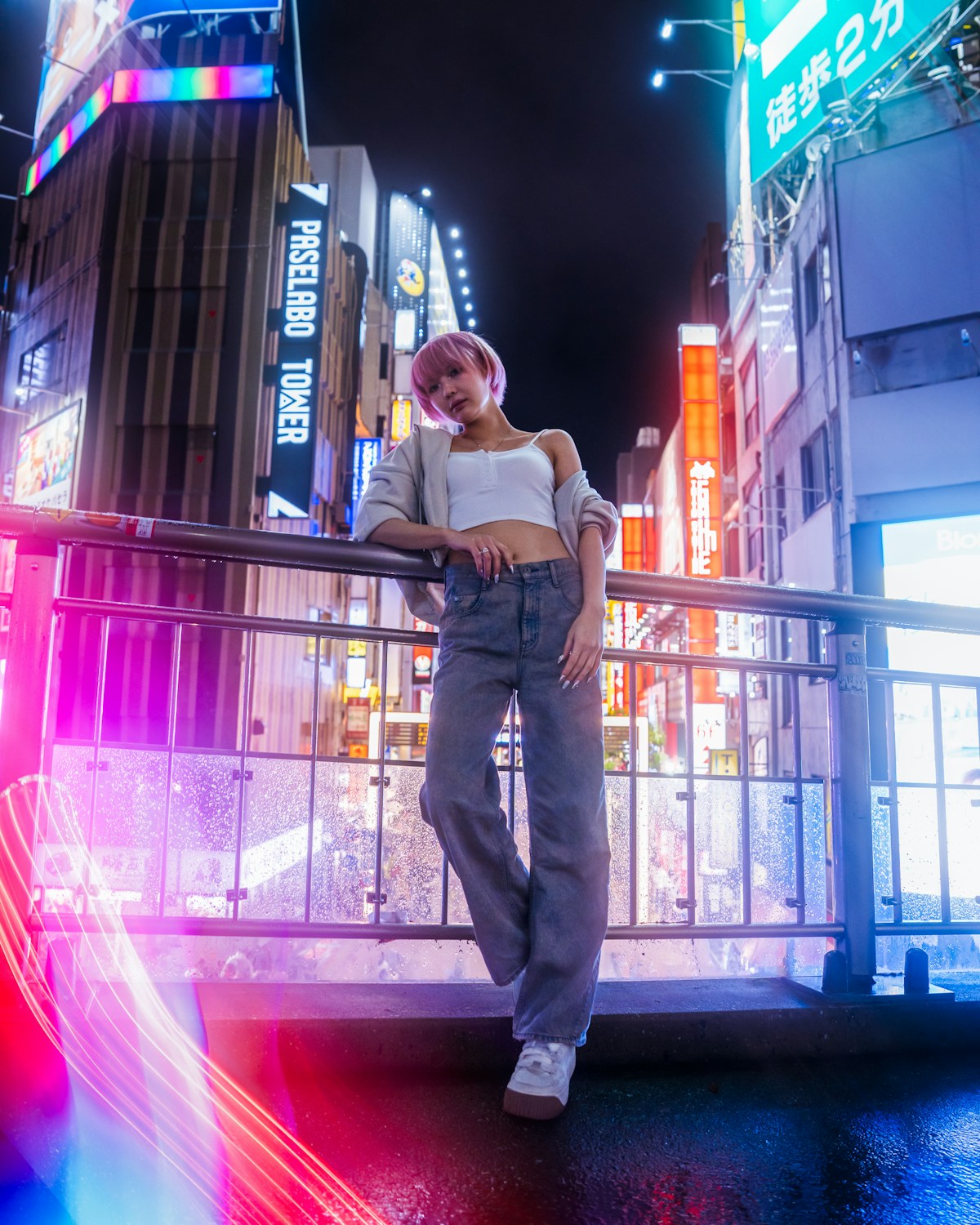
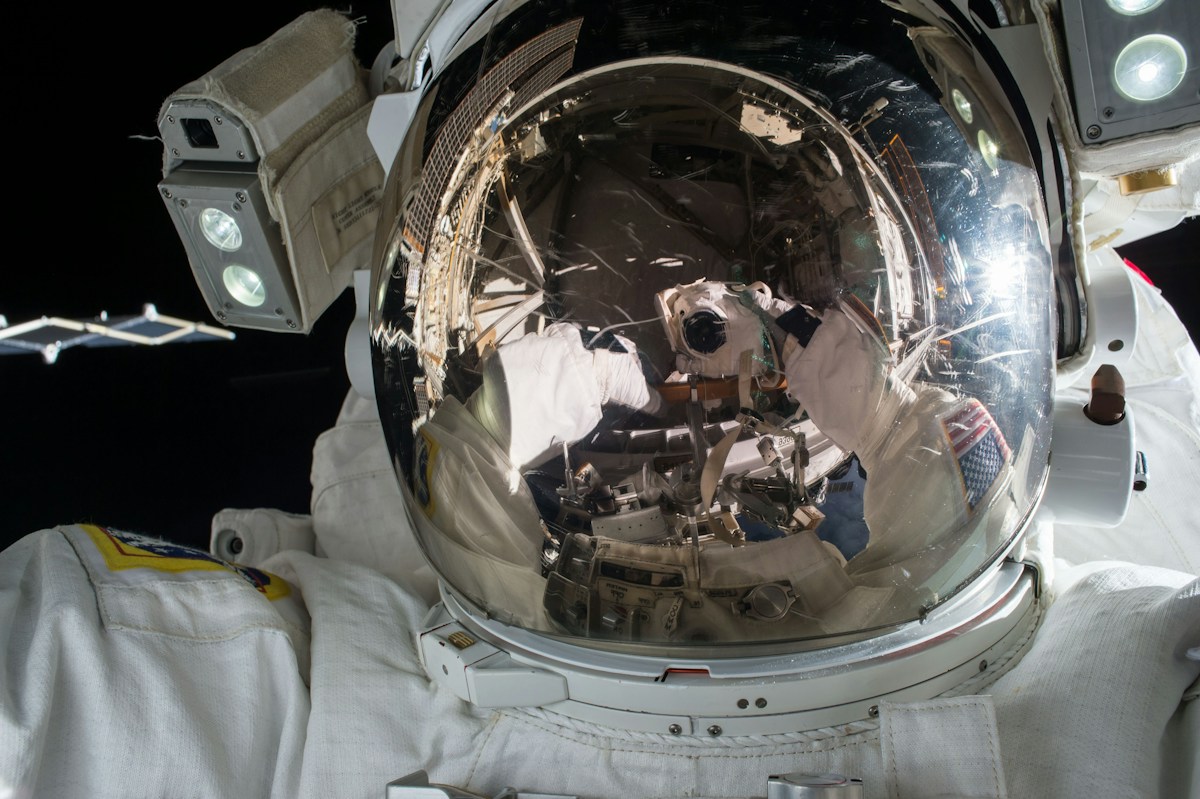
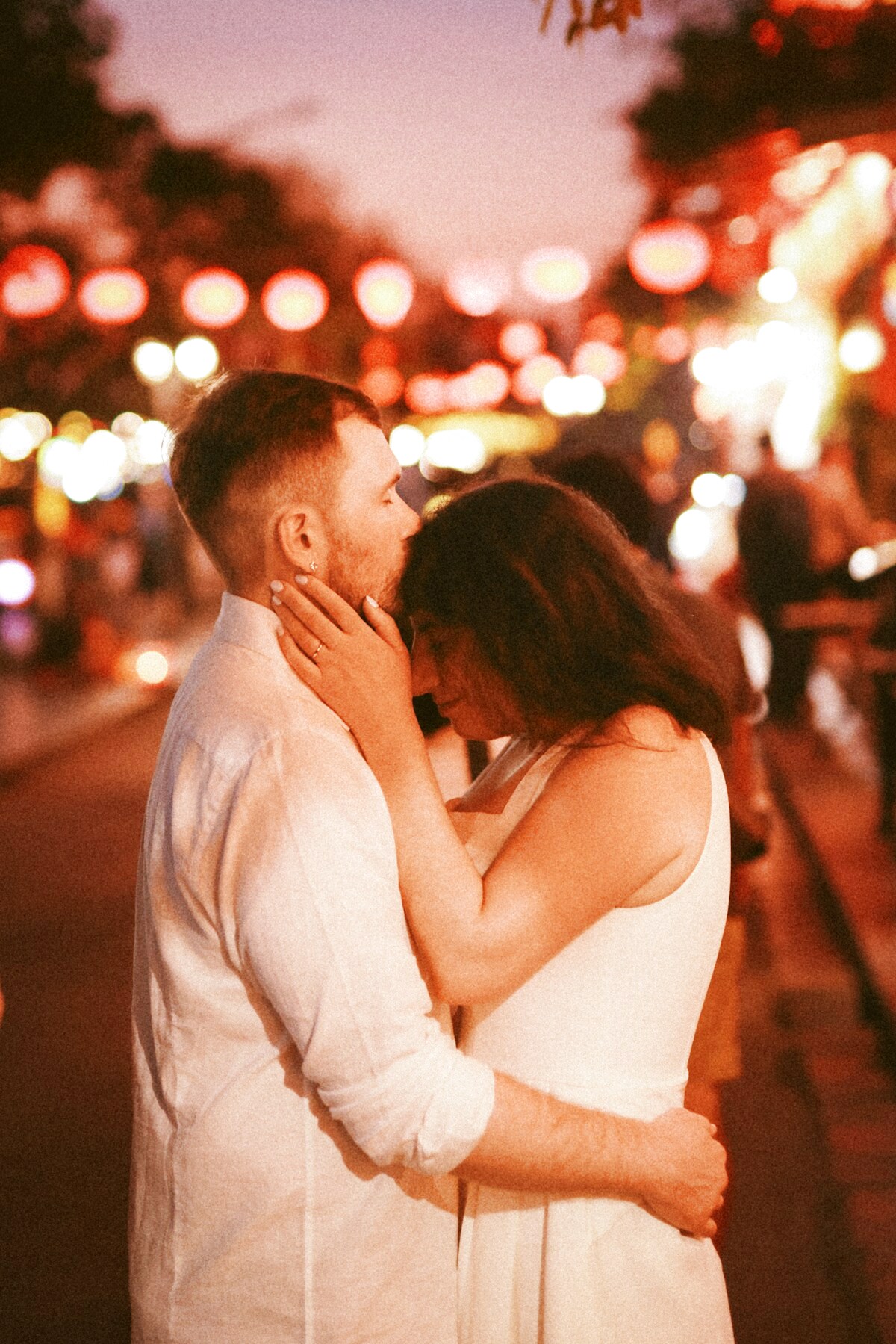
Each SupaPic scene is designed around a clear visual idea, a set number of people and a short generation workflow.
Neon reflections, restrained motion and a natural city-night camera move.
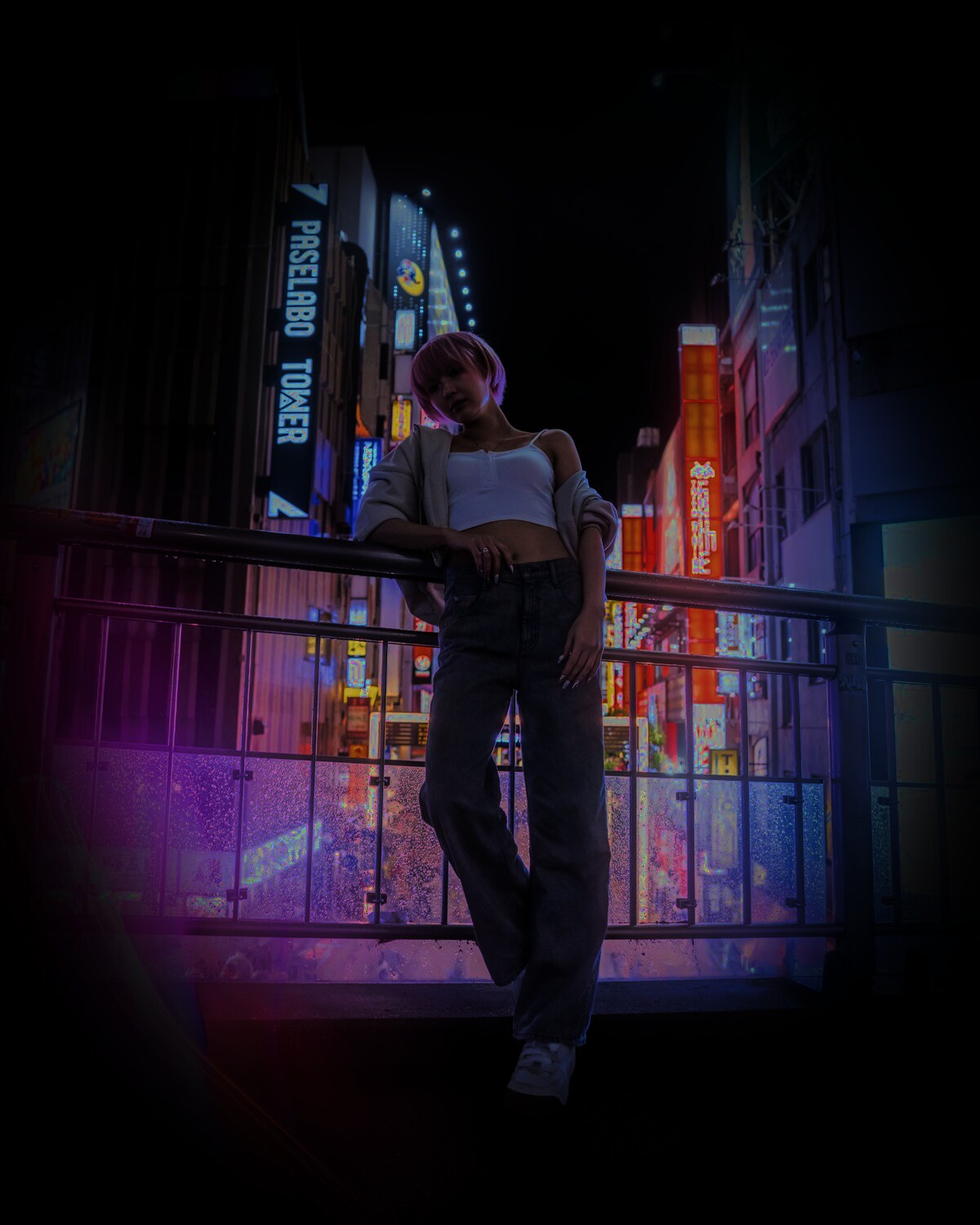
A clean editorial setup for one person with subtle camera movement.
Two separate references, warm sunset light and gentle interaction.
Pick a one-person or two-person setup that matches the moment you want to create.
Upload a clear reference image. SupaPic keeps uploads behind authenticated storage.
Your job is submitted server-side and progress updates quietly without reloading the whole page.
Watch the finished video in the cinematic player and download your MP4 when it is ready.
SupaPic combines scene templates, private references, live job tracking and a finished-video library so the whole workflow stays in one place.
5 sec · cinematic scene
AI generation in progress

The younger-self trend is memorable because of the contrast between two versions of one person. Keep the emotion and avoid the awkward anatomy.
Read guide →
For a wedding invitation, the date and venue must be perfect. Let AI handle the atmosphere, not your event details.
Read guide →
An identity edit should not automatically redesign the outfit. Use a preservation-first prompt when the original costume matters.
Read guide →SupaPic is a browser-based AI scene studio for turning reference photos into short generated videos using curated templates.
A clear, well-lit photo with a visible face generally gives the model the strongest identity reference. Our blog has a full source-image checklist.
Yes. Scenes marked for two people ask for two separate reference photos so each identity has its own source.
No public gallery is required for generation. Reference photos are stored behind authenticated application endpoints and used server-side for generation.
Create an account, choose a scene and start with one clear reference photo.