
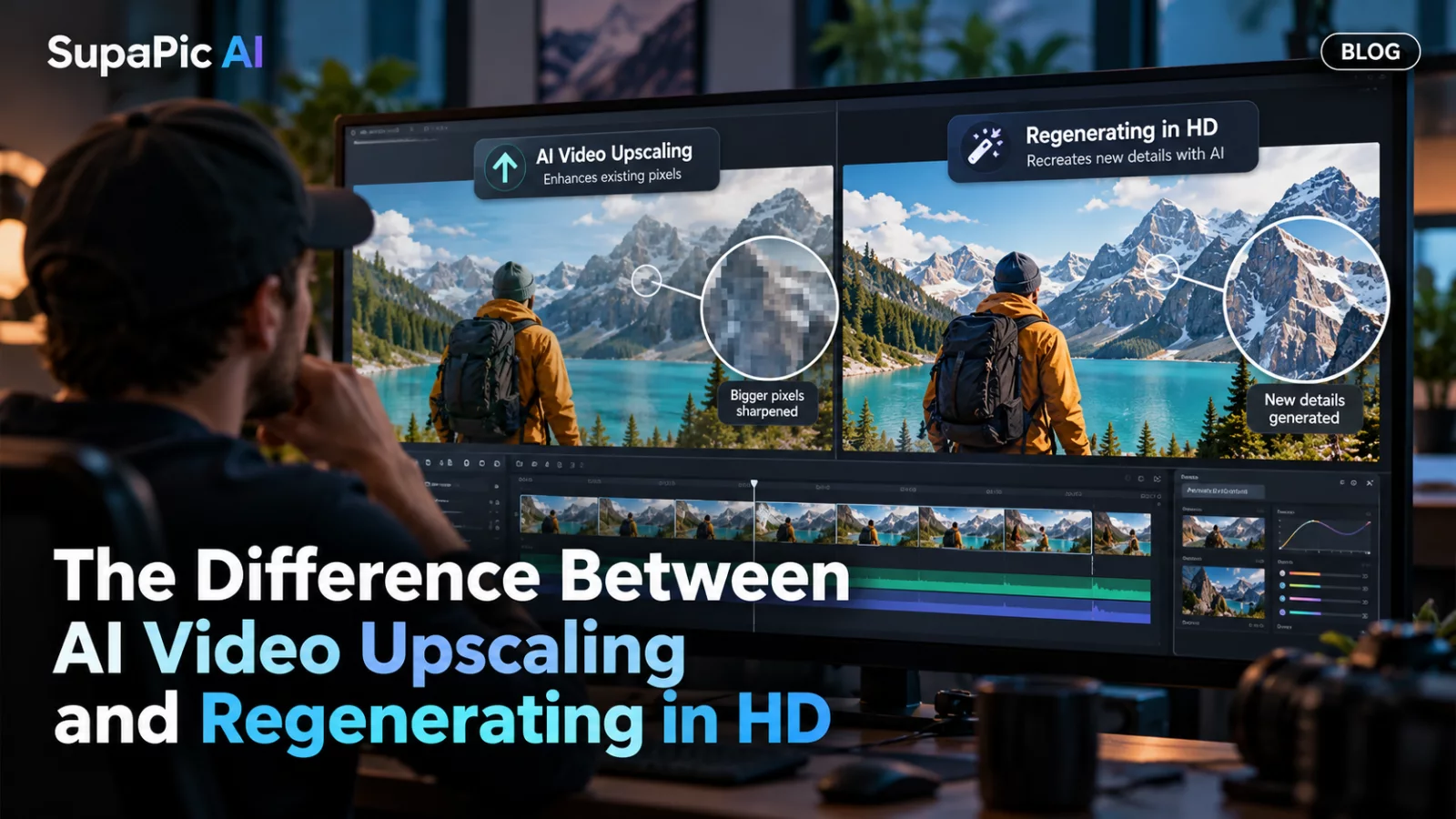
You have a 480p video that gets the face exactly right. Should you upscale the file to 1080p or run the model again at a higher resolution?
The answer depends on what you are trying to improve and what you can afford to risk.
What upscaling does
Upscaling starts with an existing video and produces a larger version. Simple resizing adds pixels without recovering real missing detail. AI-based upscalers may infer sharper edges or textures, but those details are estimates. In a face, an aggressive upscale can change the look of skin, eyes or facial hair.
The key advantage is that you are not asking the original video generator to reinterpret the whole performance.
What HD regeneration does
When a model supports native 720p or 1080p output, a new generation can produce more detail directly. But some models are stochastic: even with the same inputs, a new run may change facial consistency, motion or framing. A successful 480p identity mapping is not a guarantee of an identical 1080p result.
The new run can also incur another model charge.
Choose based on what already works
If the video is visually correct and you just need a little extra display sharpness, test a conservative upscale before committing to full regeneration. If the face lacks detail because the model never understood the reference, enlarging pixels will not solve that underlying problem.
If you need the best native quality and can afford another run, an HD generation may be worth testing—but compare both versions carefully.
Keep the original master
Never overwrite your only good file with an upscale or a re-encoded export. Save the original video and label new versions clearly. This gives you a reliable fallback if the enhanced version introduces texture or motion artifacts.
Sharper does not always mean better. Facial faithfulness and stable motion are usually the qualities viewers notice first.


