
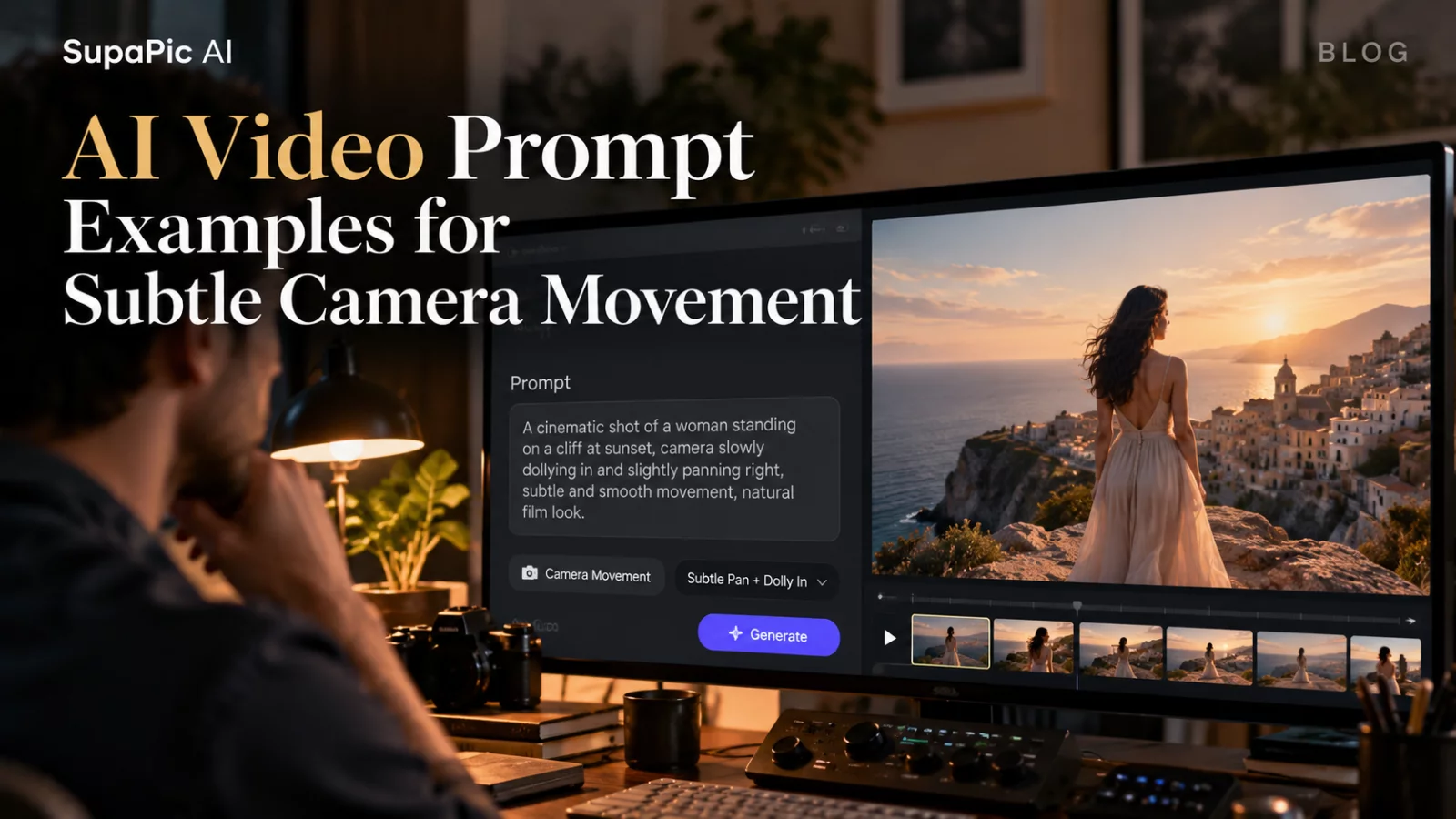
A well-chosen camera movement can give an AI video a sense of intention. Too much movement can make a simple portrait feel synthetic, especially when the model has to invent details outside the original photograph.
Here are a few prompt ideas worth adapting rather than copying blindly.
Gentle push-in
A calm portrait in soft natural light. The subject breathes and blinks normally as the camera makes a slow, subtle push-in. Keep facial features stable and movement understated.
This is a useful starting point when the original photograph is already well composed. The camera movement adds energy without demanding a new pose.
Slow lateral tracking
The subject stands still near a window while the camera drifts slightly to the right. Natural parallax in the background, minimal head movement, realistic depth and stable facial details.
Lateral movement reveals more geometry, so it works best when the input includes useful context around the head and shoulders.
Small handheld feel
A relaxed candid moment with very light handheld camera movement. No sudden shake. The subject makes a brief natural glance toward the lens and settles back into a neutral expression.
Avoid asking for extreme “shaky cam” unless it suits the story. Uncontrolled movement often makes continuity harder.
Static camera, living subject
Locked camera framing. The subject blinks, subtly shifts their shoulders and gives a slight smile. Lighting, wardrobe and background remain consistent.
Sometimes the best camera instruction is not to move it at all.
Match the prompt to the task
For a new image-to-video scene, you can describe camera motion freely. For video-to-video identity edits, preserving the reference camera usually matters more than inventing a new move.
Treat every example as a starting point. Test whether the selected model respects the motion before adding more complexity.


