
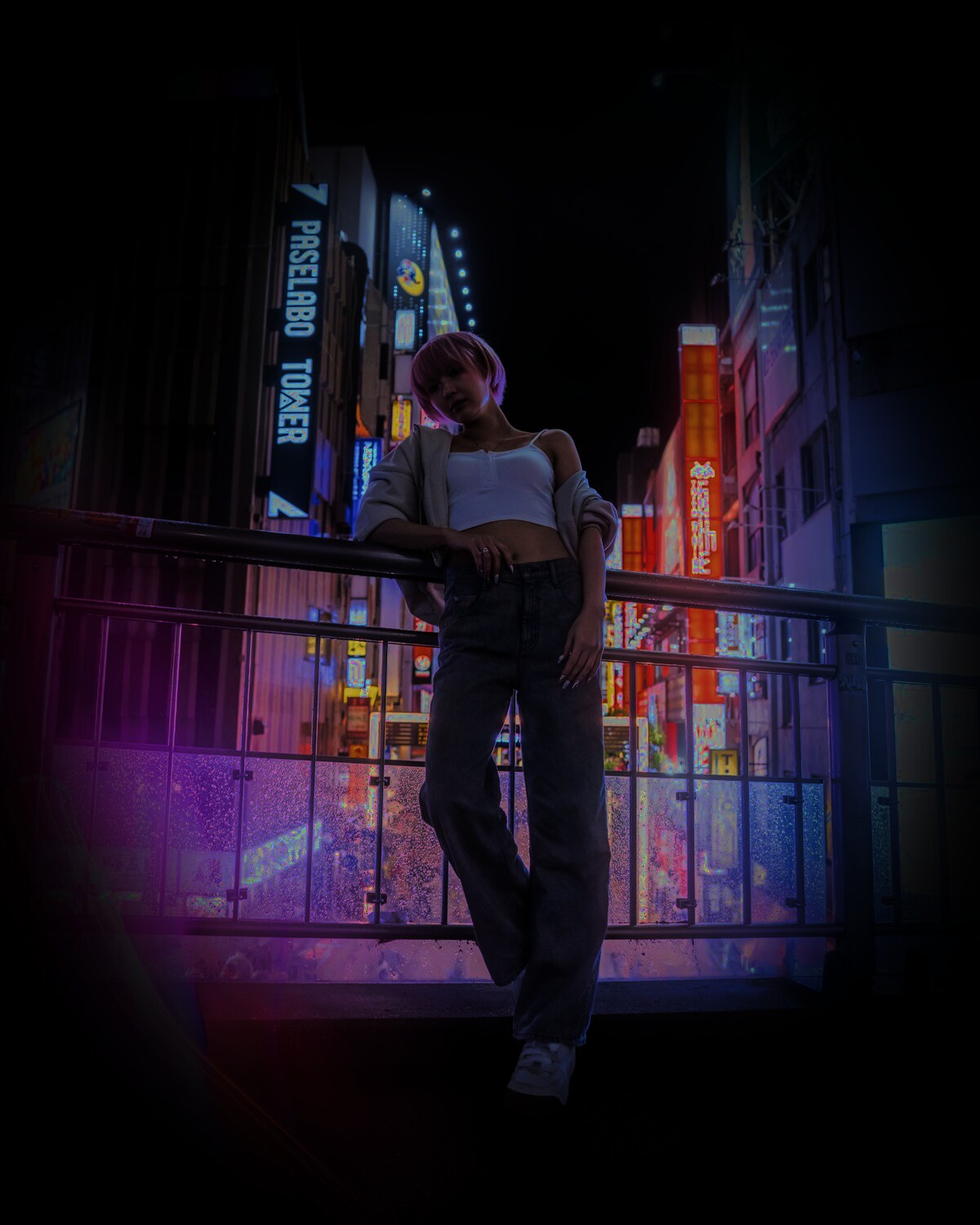
The best source photo is easy for the model to understand
AI video tools can animate many kinds of images, but some inputs consistently give the model a stronger starting point. Before spending a generation, check the photo against the list below.
Face visibility
For identity-driven scenes, the face should be large enough to read and free from heavy obstruction. Slight angles are fine. Extremely side-on faces, closed eyes or strong motion blur are harder.
Lighting
Even lighting with visible facial detail is ideal. Avoid completely blown highlights or deep shadows that erase one side of the face. The model cannot reliably preserve detail that is not present in the source.
Resolution and compression
You do not need a studio camera, but avoid screenshots that have been repeatedly compressed. Look at the eyes, hairline and mouth at 100% zoom. If those areas are blocky, use the original photo if possible.
Framing
Match your crop to the kind of scene you want to create. For a portrait scene, shoulders and head may be enough. For a full-body action, a wider reference that shows body proportions can help.
Filters
Strong face-smoothing, eye enlargement and beauty filters can produce an identity that already differs from the real person. A natural image generally gives the AI a more stable reference.
One person or two?
Use a one-person photo for one-person scenes. For two-person scenes, SupaPic asks for separate reference photos so each identity can be handled independently. Clear individual references are usually more useful than a single crowded group photo.
A quick pre-upload checklist
- Is the subject in focus?
- Are both eyes and the mouth visible?
- Is the face large enough to inspect?
- Is lighting reasonably balanced?
- Is the photo free from extreme filters?
- Does the framing fit the scene?
If most answers are yes, the photo is a strong candidate.
Next, learn how to turn a photo into an AI video from start to finish.


