
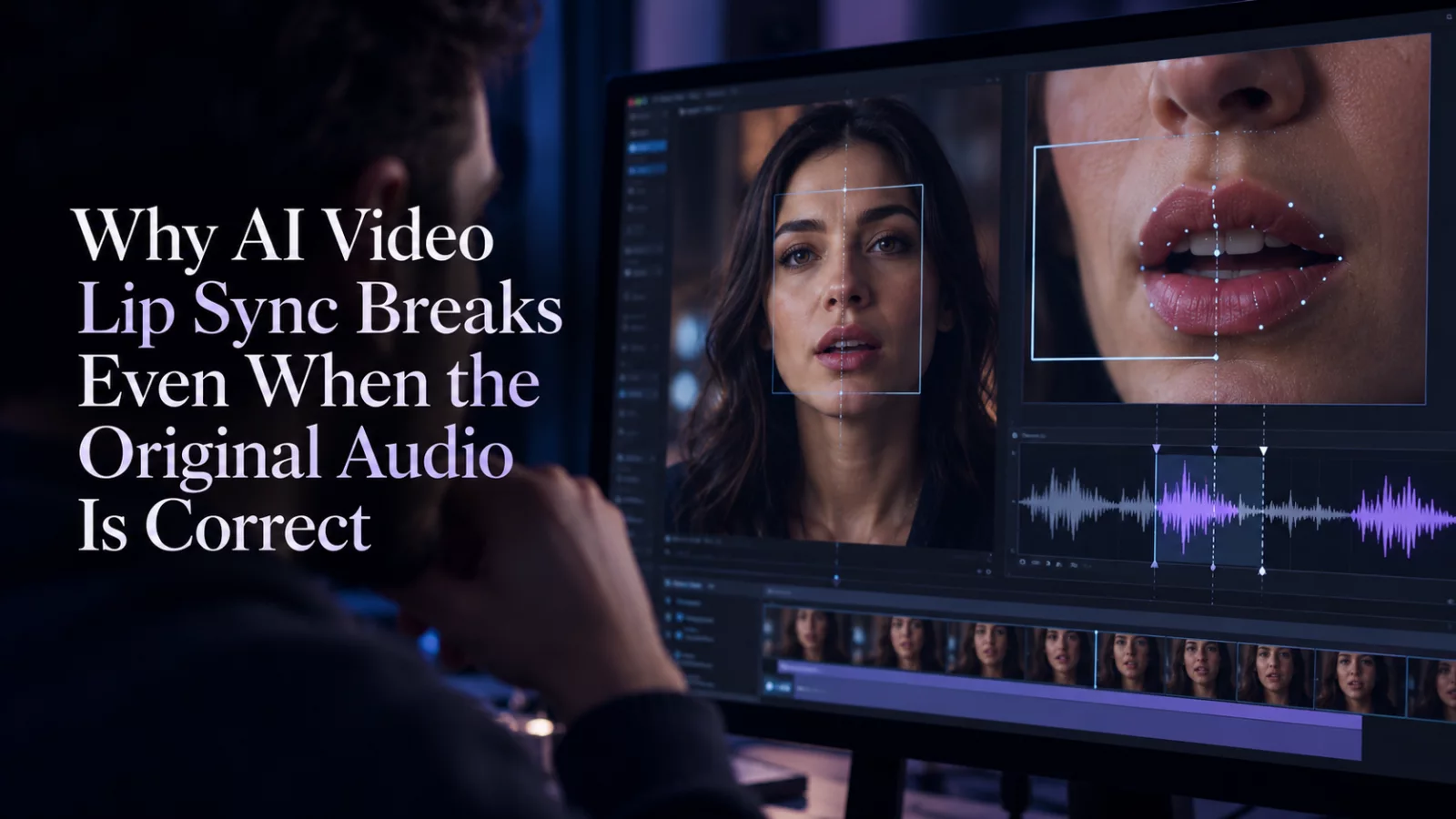
Sometimes the audio track is perfect and the video still feels wrong. A sentence starts while the face is resting. A mouth closes before the final syllable. Or the first half matches and the second half drifts away.
The instinctive response is to blame audio encoding, but there are two distinct problems: a timing offset between streams and a performance change inside the generated video.
Identify which one you have
Play the original and edited clips side by side. If the entire soundtrack seems delayed by the same amount from start to finish, investigate how the tracks were combined. If it starts synchronized and slips later, compare the clip durations and frame timing.
If the mouth movements are different even when timecodes match, the AI changed the visual performance. Shifting audio by 100 milliseconds will not restore a mouth shape that no longer matches the words.
Preserve source timing in the prompt
For video-to-video edits, ask to retain the existing speaking rhythm, head movement and edit cuts. Keep instructions about new dramatic gestures out of the first attempt. The more freedom you give the model to reinterpret a performance, the more likely the original soundtrack is to feel disconnected.
A practical visual-only instruction is:
Keep the source dialogue timing and lip movement. Change only the intended facial identity; preserve shot length and cuts. Do not invent new speech or sound.
Inspect the final file, not just the browser preview
Browser playback can stutter on a slow connection. Download the MP4 and check the actual timing with a reliable local player. If the problem exists in the file itself, it will reproduce offline. If it only appears while streaming, consider network or decoding issues.
Also confirm that the original and output have compatible durations. A nine-second source becoming an eight-second edit is a meaningful change when speech happens near the end.
The useful lesson is simple: audio correctness and lip-sync correctness are not identical. Diagnose them independently before spending another generation credit.


