
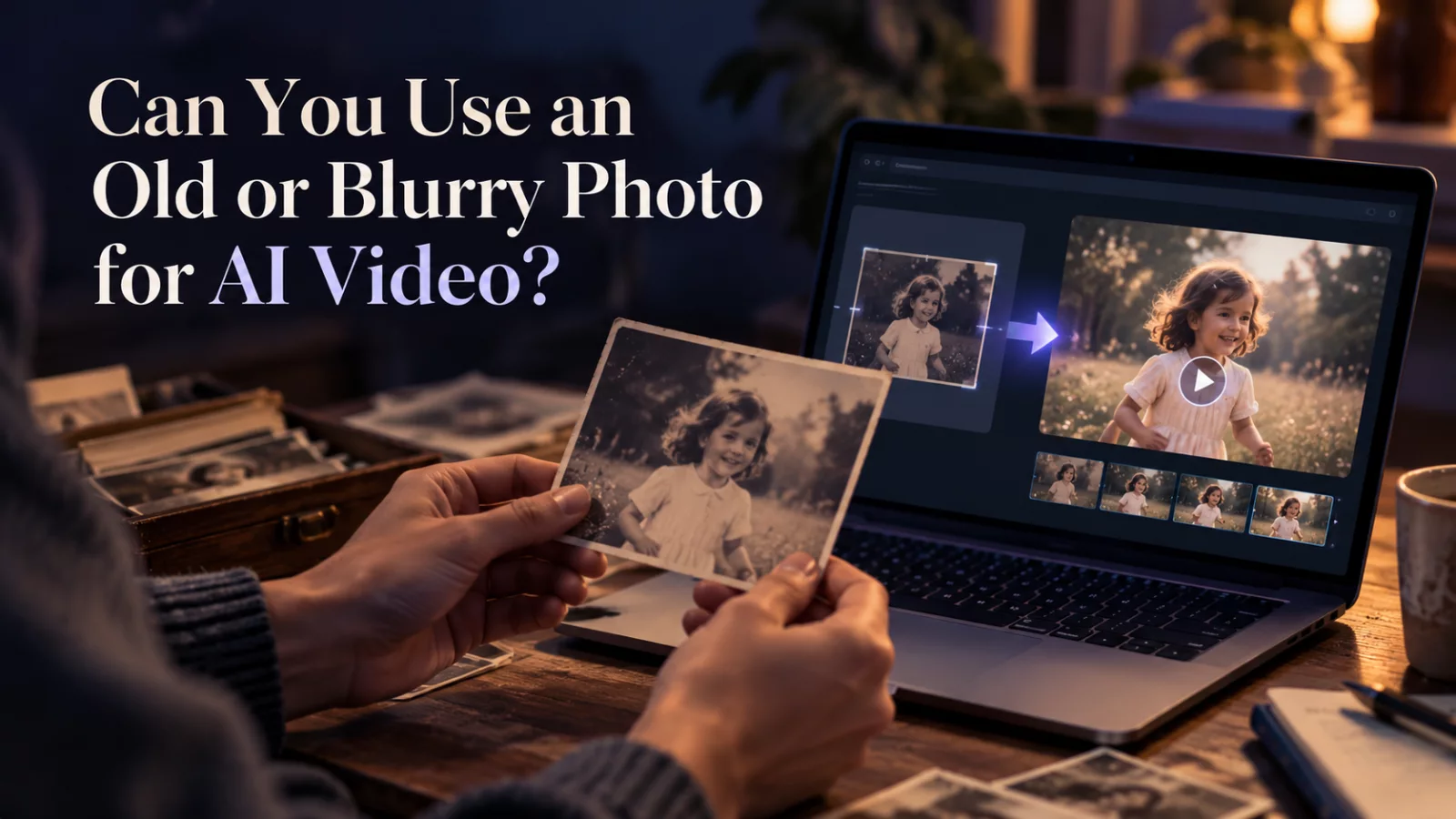
Turning an old family portrait into a moving clip can be surprisingly moving. It also comes with a problem: the photo may be small, blurred, faded or damaged. The AI does not have access to facial details that were never recorded.
Restore for clarity, not reinvention
If the original is scanned from paper, start with a clean scan. Straighten the image, remove obvious dust if necessary, and correct exposure gently. Be cautious with aggressive AI enhancement that creates brand-new eyelashes, teeth or facial contours. Those invented details may look polished while making the person less recognizable.
For a historical or sentimental portrait, fidelity often matters more than sharpness.
Choose modest animation
A subtle blink, small head movement or slight smile is usually more believable than asking a low-resolution face to turn fully sideways. The model has much less information about the hidden profile than it would with a modern portrait.
Choose a scene that does not require full-body movement when the photo only shows a head and shoulders.
Manage expectations about identity
A photo with severe motion blur can produce a pleasant animation, but it may not be an accurate depiction of the person. If you are sharing a memory with family, describe it as an AI animation rather than an authentic moving recording from the past.
This is especially important when the person is no longer alive. The result should not imply that they said or did something that never happened.
Check the emotional tone
Natural movement is not always the most dramatic movement. A calm portrait can feel more respectful and convincing than exaggerated laughter. Review the final video slowly and ask whether the expression suits the original photograph.
For more general guidance, our photo-to-video walkthrough explains how input quality and scene choices interact.


