
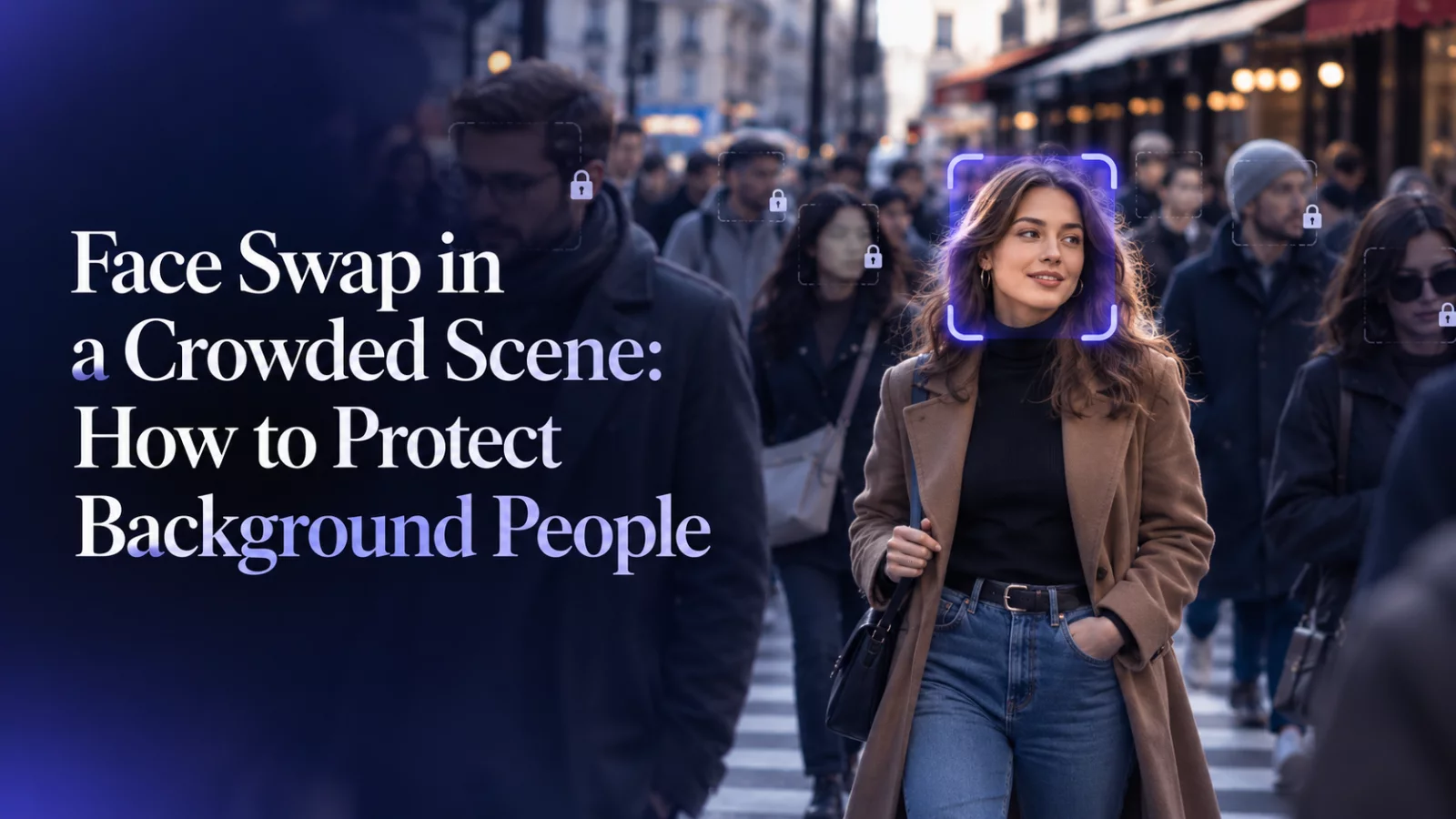
A video editor may know exactly who should change, yet an AI model can still grab the person who happens to be nearest the camera. In a crowded scene, phrases such as “main character” and “the guy on the left” are often too vague.
Give the target a positive identity
Describe the person you want to edit using clues that remain useful through the clip: clothing, approximate position, hairstyle and the moment they enter or speak. “The long-haired speaker wearing a dark patterned shirt during the middle exchange” identifies a role more clearly than “the second guy.”
Use visual descriptors of the source footage. The replacement photo may look entirely different, and the system should not confuse those two sets of features.
Give non-targets their own rules
An exclusion list is just as important as the positive target description. If the scene contains a bystander in a red jacket, say that this person is not a target and should remain unchanged. Include camera operators or background speakers if they are easy for the model to mistake for foreground actors.
Avoid specifying non-targets only by a temporary left/right position when the camera cuts. Descriptions such as clothing and scene role remain more stable.
Review every face, not only the replaced one
After generating, quickly inspect all faces that appear at any point. Check whether background people have inherited the uploaded identity, whether the target has changed back during an occlusion, and whether two nearby people briefly merge.
A surprisingly common failure is a good-looking target edit paired with an accidental background swap. That is not a final-quality result, even if the main actor looks excellent.
Simplify the source when possible
If a crowded clip consistently fails, test a crop or shorter edit that contains fewer competing faces, provided doing so still tells the story you want. A more focused scene can be more reliable than repeated attempts with increasingly aggressive prompts.
For clips with two intended targets, our two-person face replacement guide covers the extra mapping work.


