
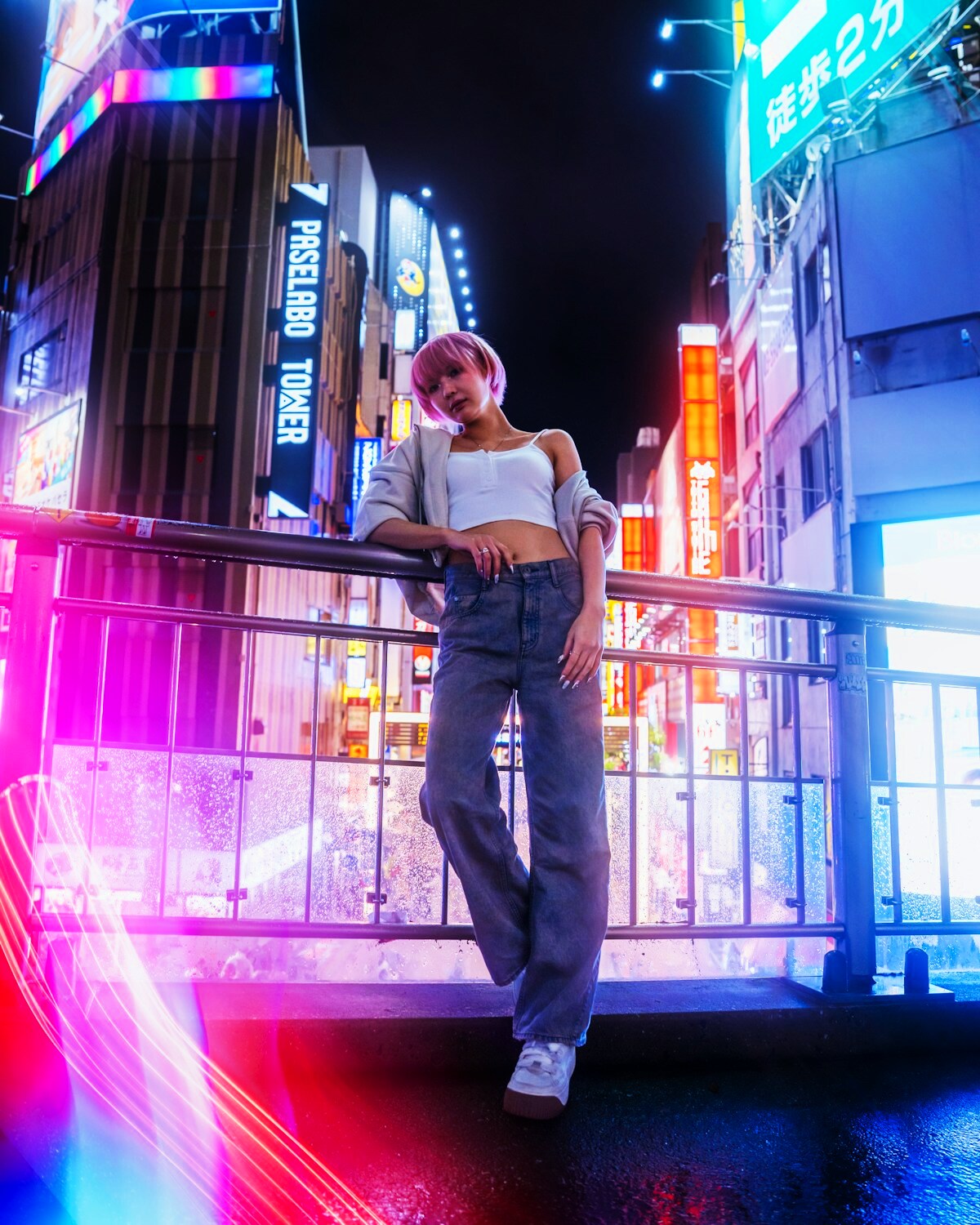
What actually makes an AI video feel cinematic?
“Cinematic” is often used as a shortcut for dramatic lighting or shallow depth of field, but a convincing shot depends just as much on movement and pacing. When generating a video from one photo, think like a camera operator rather than a poster designer.
Build around a simple shot
Short AI clips work well when they behave like one intentional camera shot. Decide whether the camera is static, tracking, pushing in or panning before adding style details.
A simple example:
Subject: one person beside a city railing Action: slow turn toward the street Camera: subtle push-in Environment: rain reflections and neon signage Mood: quiet, late-night atmosphere
That is more actionable than a list of unrelated adjectives.
Use depth to create movement
Foreground objects, background lights and a clearly separated subject give the model layers to move at different speeds. This creates parallax and makes a short clip feel more dimensional.
Let light move subtly
Reflections, changing highlights and soft environmental flicker can add life without changing the subject. Ask for realistic light interaction rather than large flashes or rapid color changes.
Keep human motion believable
Small gestures often sell the shot: a blink, a slight shift of posture, a gentle head turn, fabric moving in the wind. Large body transformations are more likely to expose AI artifacts.
Choose the right duration
Longer is not automatically more cinematic. A focused five-second shot can look more deliberate than a longer clip that runs out of meaningful motion. Start short and extend the idea only when the scene supports it.
Use scene templates as direction, not decoration
A good scene template gives the model a coherent environment and motion target. SupaPic scenes are designed around a specific number of people, short duration and a clear visual idea so the prompt and references work together.
For source-image preparation, see AI Photo to Video: 10 Tips for More Realistic Results.


