
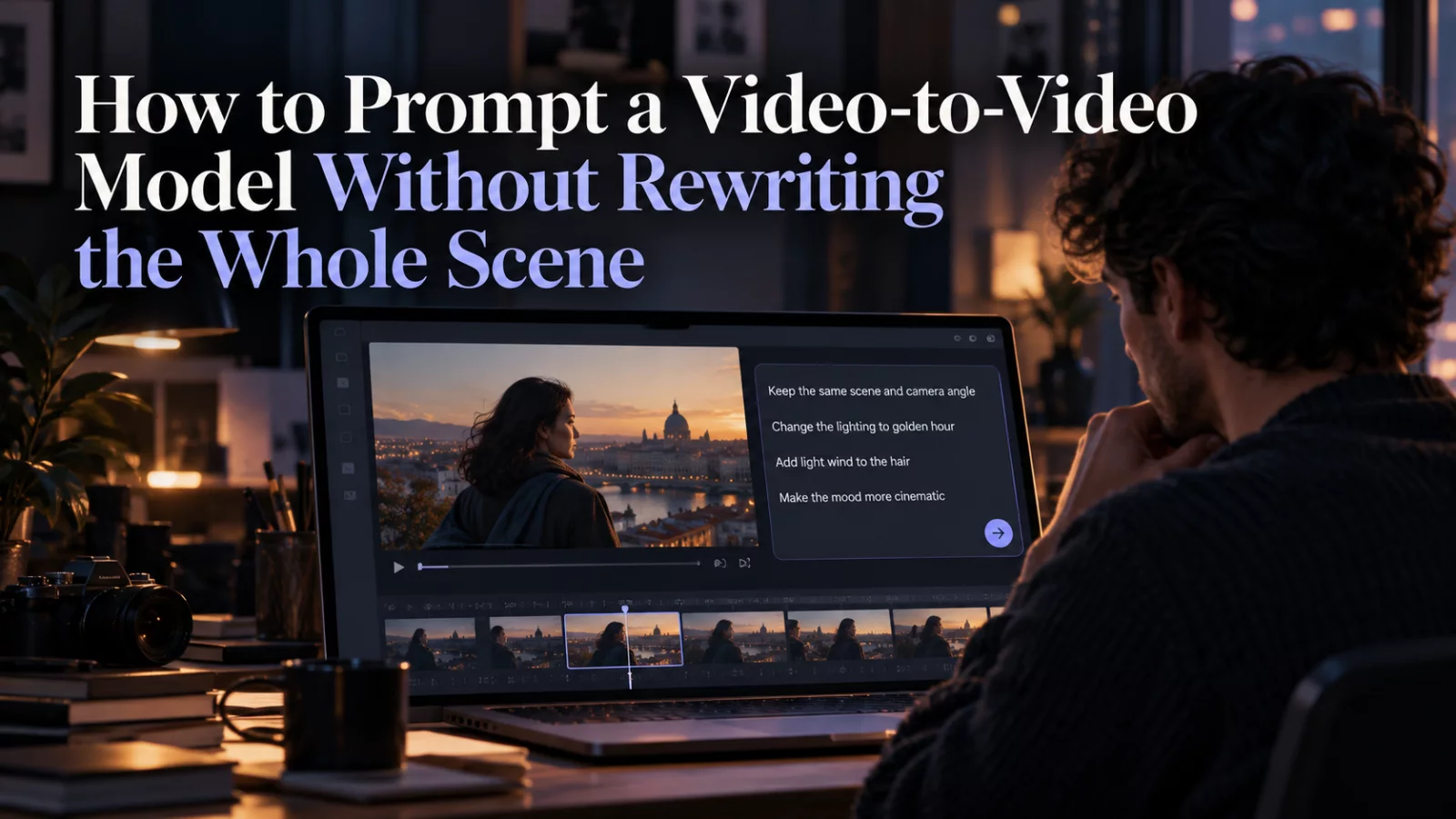
Image-to-video and video-to-video tasks may look similar in a studio, but they ask the model to solve different problems. In video-to-video editing, you already have motion, shot timing and camera decisions. The aim is often to change one element while preserving everything else.
Write the preservation rule first
If you are replacing one face in an existing clip, the core instruction is not “make a cinematic masterpiece.” It is “keep the original shot, movement, cuts and performance; change only this person's identity.”
That gives the model a clear boundary. You can add details afterward, but they should reinforce the editing task rather than expand it into a complete remake.
Name the target using the source video
“Replace the main person” can be ambiguous when a background character steps into the foreground. Describe the source actor using clothing, scene position and a distinctive action. If there are two targets, map each uploaded image to exactly one source role.
A clean working example:
Use the input video for all camera motion, gestures, clothing and timing. Reference photo 1 replaces only the speaker wearing the dark blazer in the opening shot. Keep all other people unchanged. Maintain natural facial movement and original cut timing.
You can shorten that further if the model has a dedicated target-selection interface.
Avoid hidden contradictions
One common prompt says “keep everything exactly the same” and then asks for a new outfit, a new room and different lighting. Those goals pull in opposite directions. Decide which is most important.
If the task is identity replacement, preserve as much as possible. If you want scene restyling, accept that more of the original video may change.
Test with a specific failure in mind
Don't rewrite the entire prompt after one imperfect result. Identify the failure first. Wrong target? Add clearer mapping. Flickering jaw? Add identity-continuity and reference detail. Changed pacing? Emphasize shot and lip timing. One adjustment at a time makes it easier to learn what helped.
For a breakdown of how these workflows differ, read image-to-video vs. video-to-video AI.


