
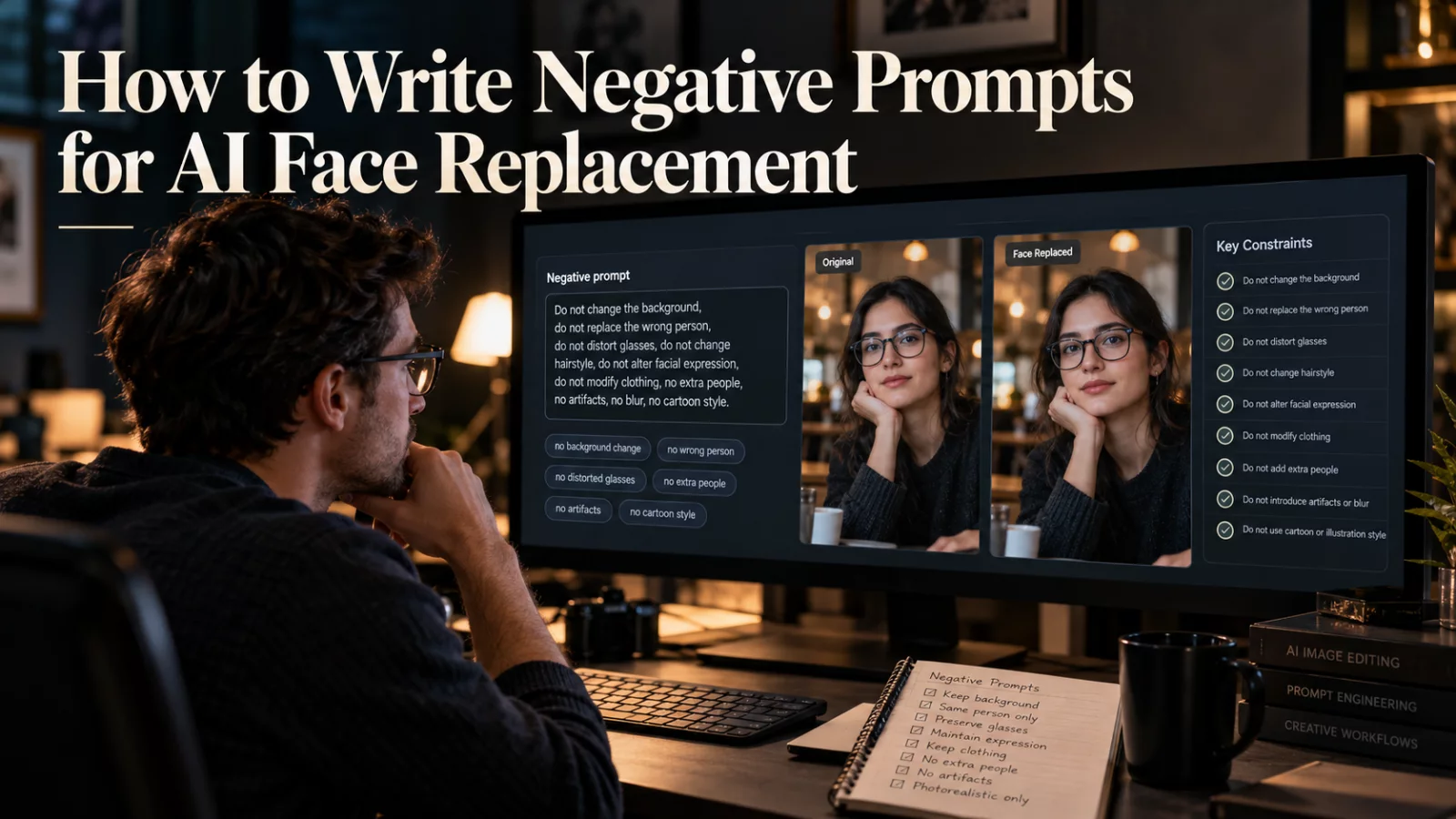
Hair is not just decoration around a face. It affects the silhouette of the head, how the person looks from behind, and how movement reads in close-up. That is why a face replacement can feel wrong even when the eyes and mouth look accurate.
Decide whether you want a face edit or an identity edit
If the model is designed to replace only the face region, it may keep the original actor's hairstyle. That can be appropriate for some edits. But if you want the uploaded person to be fully recognizable, the hairstyle in the reference may need to replace the source hair as well.
State that choice. “Use the replacement person's hairstyle and hair color” is clearer than “make the face accurate.”
Choose references with visible hair boundaries
A portrait taken against a similar-colored background can make dark hair disappear into the surroundings. A photo with good separation around the top and sides of the head gives the model more clues about shape and length.
Avoid filters that blur flyaway hair into the face. The AI may treat those soft boundaries inconsistently through motion.
Check the difficult moments
Long hair can move over the forehead during a head turn. Bangs may cover one eye. A beard may visually blend with long hair near the jaw. Examine those moments in the video, not only the opening frame.
If the identity looks correct front-on but loses hair shape from the side, a complementary angled reference can help when supported by the model.
Avoid impossible preservation instructions
“Keep all original pixels unchanged” conflicts with replacing the actor's hair. Preserve the clothing, shot and performance instead, while allowing the new identity to include appropriate hair shape.
Sometimes a different model is necessary. A narrow face-swap engine may be unable to make the full-head change your scene requires.
Good hair consistency is about choosing the correct edit scope before generation, not asking a face-only tool to do a full recast.


