
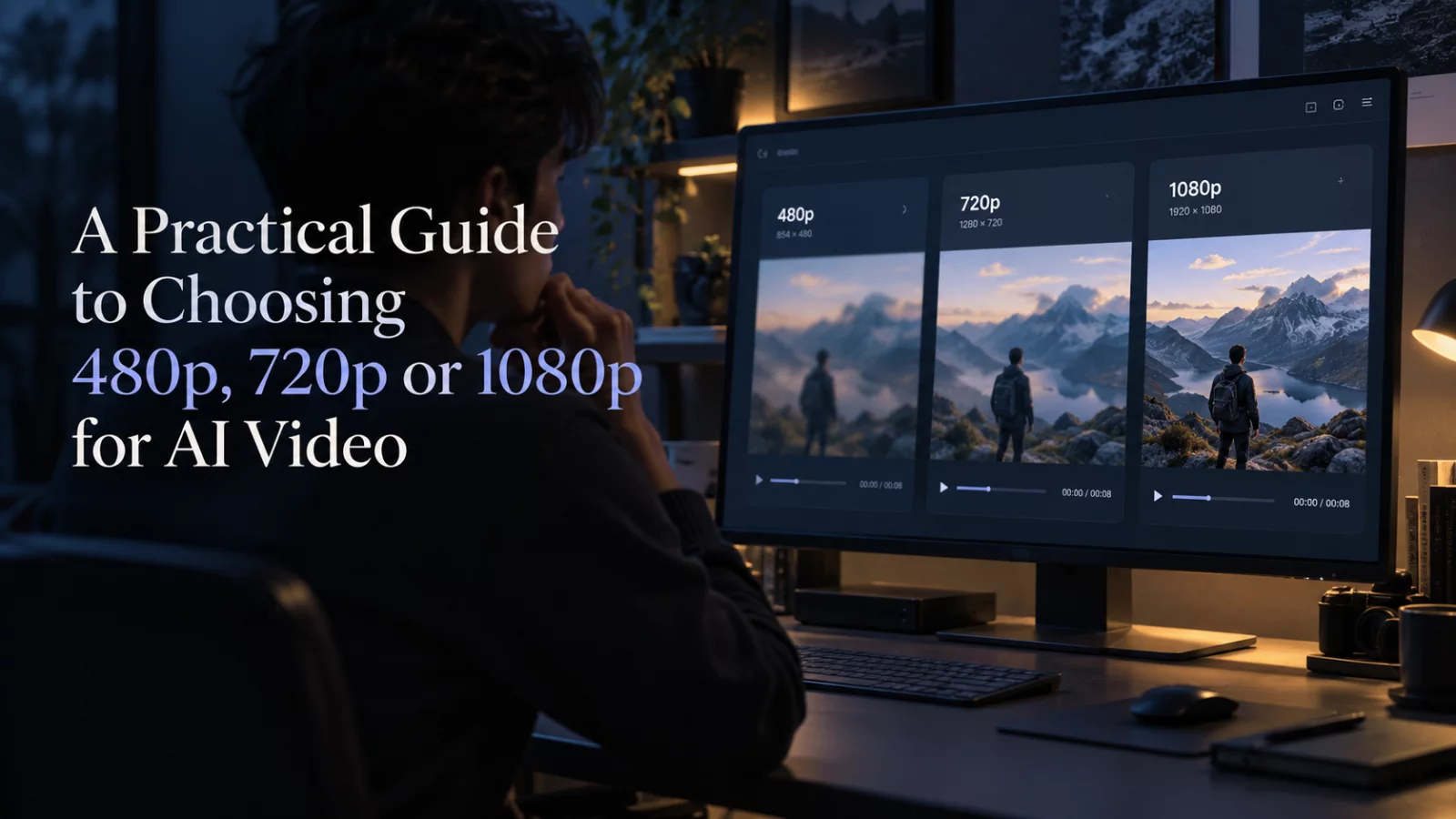
It is tempting to push every generation to 1080p. Sometimes that makes sense. Often it simply makes a disappointing result more expensive.
Resolution describes how many pixels are produced, not how correctly the model understands the scene. A clean 720p edit with stable identity can look much better than a 1080p clip with drifting faces and distorted hands.
Use 480p to test the idea
For a new scene, low resolution is useful for checking whether the model follows the right actor, understands the movement and preserves the source clip's pacing. If the identity map is wrong, stop there. Higher resolution will give you a sharper version of the same problem.
Pay particular attention to the first shot, the hardest transition, and the final shot. Those moments tell you whether the scene is worth another pass.
Move to 720p when the motion works
720p offers a useful middle ground for short clips viewed on phones. You get more visible edge detail than 480p without committing to the highest available cost. For social previews, a successful 720p file may already be enough.
If faces are small within a wide shot, extra pixels may be less valuable than better framing. Think about the actual viewing size, not only the export badge.
Reserve 1080p for final candidates
Full HD is sensible when the underlying generation already looks good, the subject occupies a useful portion of the frame, and the model genuinely supports a 1080p output. It is less sensible if you are still experimenting with prompts or image mapping.
Some models use a fixed output resolution, and others expose only specific options. Check the model's actual capabilities rather than assuming every engine offers 480p, 720p and 1080p.
A simple decision rule
Use the cheapest available quality to establish correctness. Use a higher quality to improve presentation. Keep those two decisions separate. It saves money, but more importantly it keeps you focused on what the viewer will notice: a believable scene with a recognizable person.


