
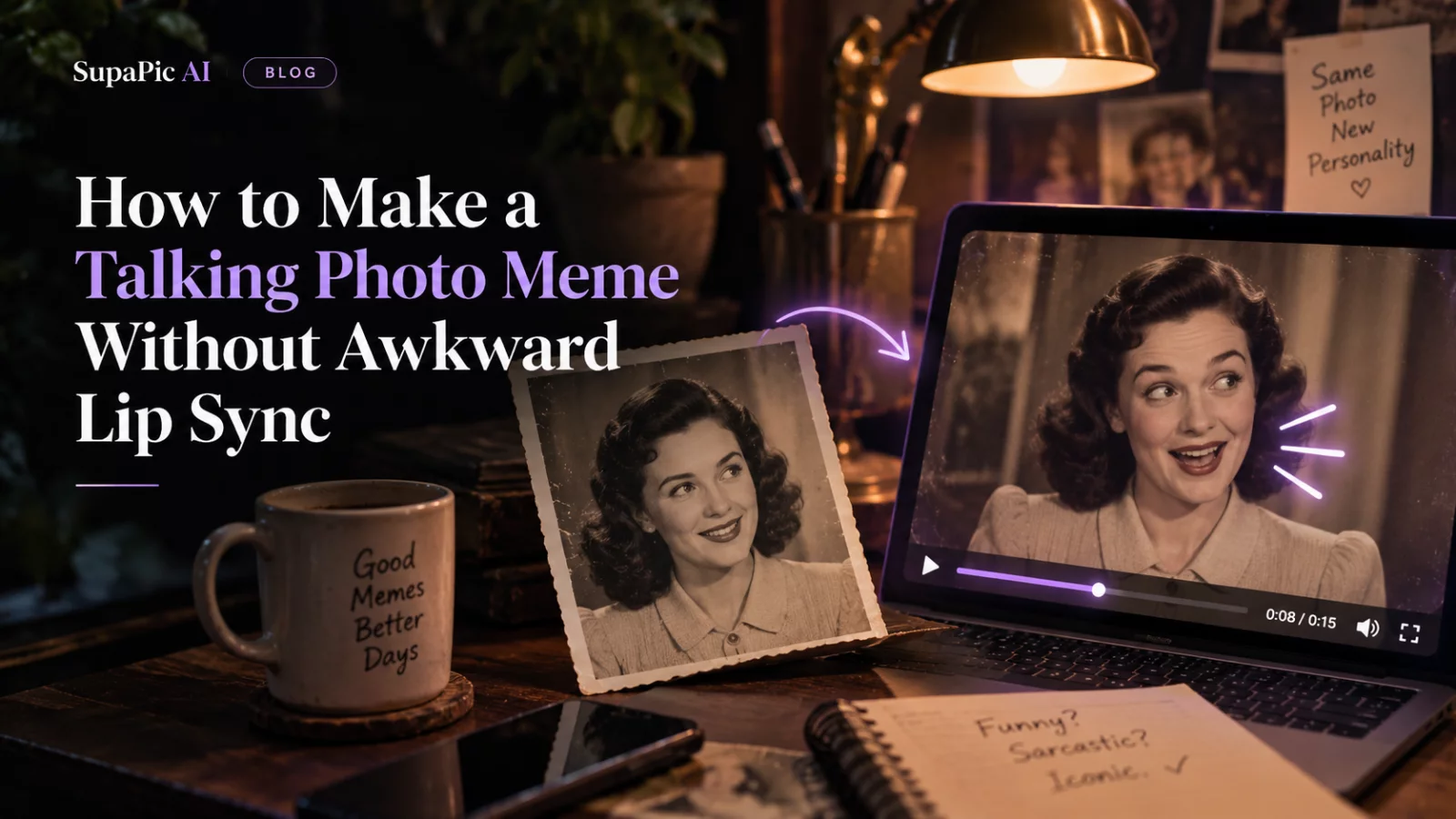
Talking-photo memes have a deceptively simple formula: a still face suddenly speaks. The joke might be an exaggerated complaint, an impossible confession from a fictional character or a voice message illustrated by a portrait. When the lips wobble or the teeth turn into a blur, viewers stop listening to the line.
A better workflow starts with the audio rather than with the face animation.
Write the line first
Keep the script short enough to say naturally in one breath. A twelve-word deadpan remark is easier to time and animate than a forty-second monologue with complicated facial expressions. Read the line aloud yourself to hear where a pause should land.
If you record your own voice, you get control over delivery and timing. If you use a synthetic voice, make sure you have rights to that voice and do not impersonate a real person in a way that misleads others.
Pick a portrait that can speak
Use a front-facing photo where the mouth is visible and not covered by hair, a microphone or an object. Extreme side profiles and very wide smiles are harder for lip-sync tools to interpret. Even lighting makes the contours around the lips easier to follow.
Some talking-photo tools generate both speech and facial animation, while others require you to upload the audio first. A standard face-swap or video-recasting tool may not include lip-sync generation at all. Check that before spending credits.
Build around the natural pause
The easiest meme often has a deliberate pause before the punchline. Record or synthesize that silence as part of the audio rather than telling the video model to invent it. Then use an animation model compatible with your audio input.
If the workflow offers motion prompts, keep them modest:
Natural head movement, subtle blinking, no exaggerated expressions, accurate mouth motion synchronized to the supplied speech.
Avoid asking for dancing, camera spins and changing outfits at the same time. The mouth needs enough visual stability to stay readable.
Check the mouth at difficult sounds
Watch words with "f," "m" and "p" sounds. The lips should visibly close or contact in plausible ways. Also inspect quick consonant clusters and the moment the speaker stops: some animations keep the mouth moving after the audio ends.
If the audio is correct but the lips drift, check the sound track's synchronization and whether the clip has been sped up or converted to a different frame rate after generation. See why AI lip sync breaks even with correct audio.
Finish like a meme, not a demo
Add simple captions so the joke works with sound off. Keep the face reasonably large in the frame and remove awkward leading silence. You can also cut away immediately after the funniest line rather than forcing the face to keep animating.
The secret isn't perfect talking-head realism. It's having a good one-liner, clean audio and mouth movement that doesn't compete with the joke.


