
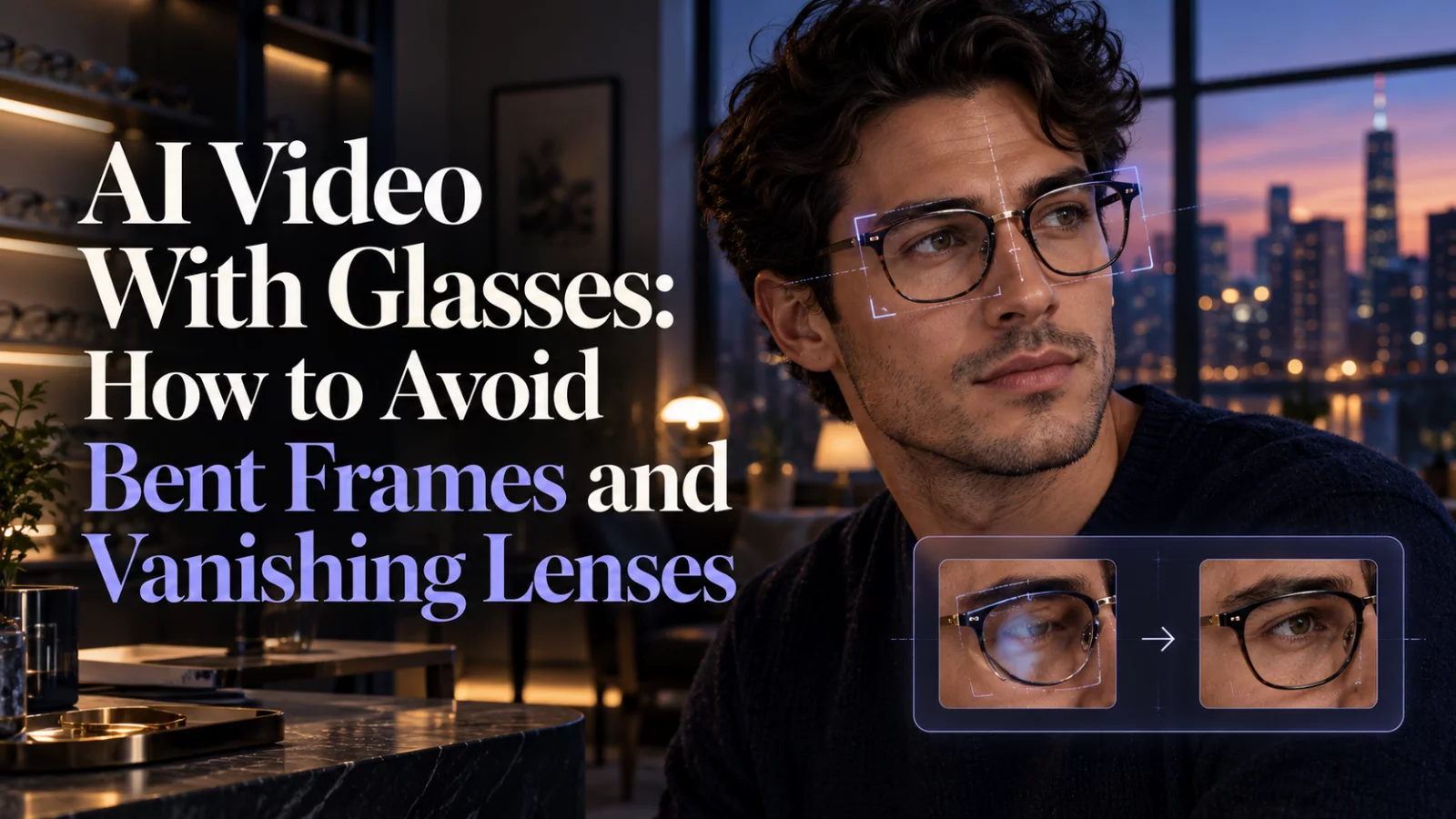
A pair of glasses can make a generated character instantly recognizable. Unfortunately, it can also introduce some of the most obvious artifacts: one temple disappears, the frame bends as the subject talks, or a lens reflects a light source that is not in the scene.
Choose a reference that actually shows the frames
Tiny glasses in a distant photograph offer little structural information. Start with a portrait where both rims, the bridge, and the connection to the temples are visible. A mild three-quarter view often reveals how the glasses sit on the nose better than a perfectly flat front view.
Avoid photographs with large white reflections over the eyes. The model may interpret those patches as part of the lens texture and reproduce them throughout the video, even after the lighting changes.
Separate identity from the scene's lighting
Your subject's glasses should follow the uploaded reference, but their reflections should follow the environment of the generated shot. A useful instruction is:
Keep the reference person's eyeglass frame shape and placement consistent. Reflections should respond naturally to the source scene's lighting; do not create opaque or mirrored lenses unless they appear in the reference.
That is more actionable than “make glasses realistic.” It identifies the object, what should remain fixed, and what can vary.
Review the details while the head moves
Check the bridge during speech and the temples during profile turns. Look for glasses that appear welded to the camera rather than moving with the head. Also watch whether the AI “corrects” asymmetry by inventing a second frame style.
If the result is stable at 480p but appears soft, 720p may make thin edges more legible. If the frames flicker, resolution alone is unlikely to help. A stronger source image, slower motion, or a model better suited to identity editing is the place to start.
Glasses are a small object with lots of edges. They reward careful reference selection more than elaborate prompts. For more source-photo advice, see how to choose photos for AI video.


