
10 ways to make AI photo-to-video results more realistic
Image-to-video generation has improved quickly, but a model still has to invent information that does not exist in the original photo. These ten habits make that job easier and usually lead to more believable clips.
1. Give the model a readable face
Use a source where eyes, nose, mouth and face shape are clearly visible. Heavy beauty filters and aggressive sharpening can remove the small details the model needs to preserve identity.
2. Avoid tiny subjects
If the person's face takes up only a few percent of the image, the model has much less identity information. Crop intelligently before uploading when necessary.
3. Match the scene to the source pose
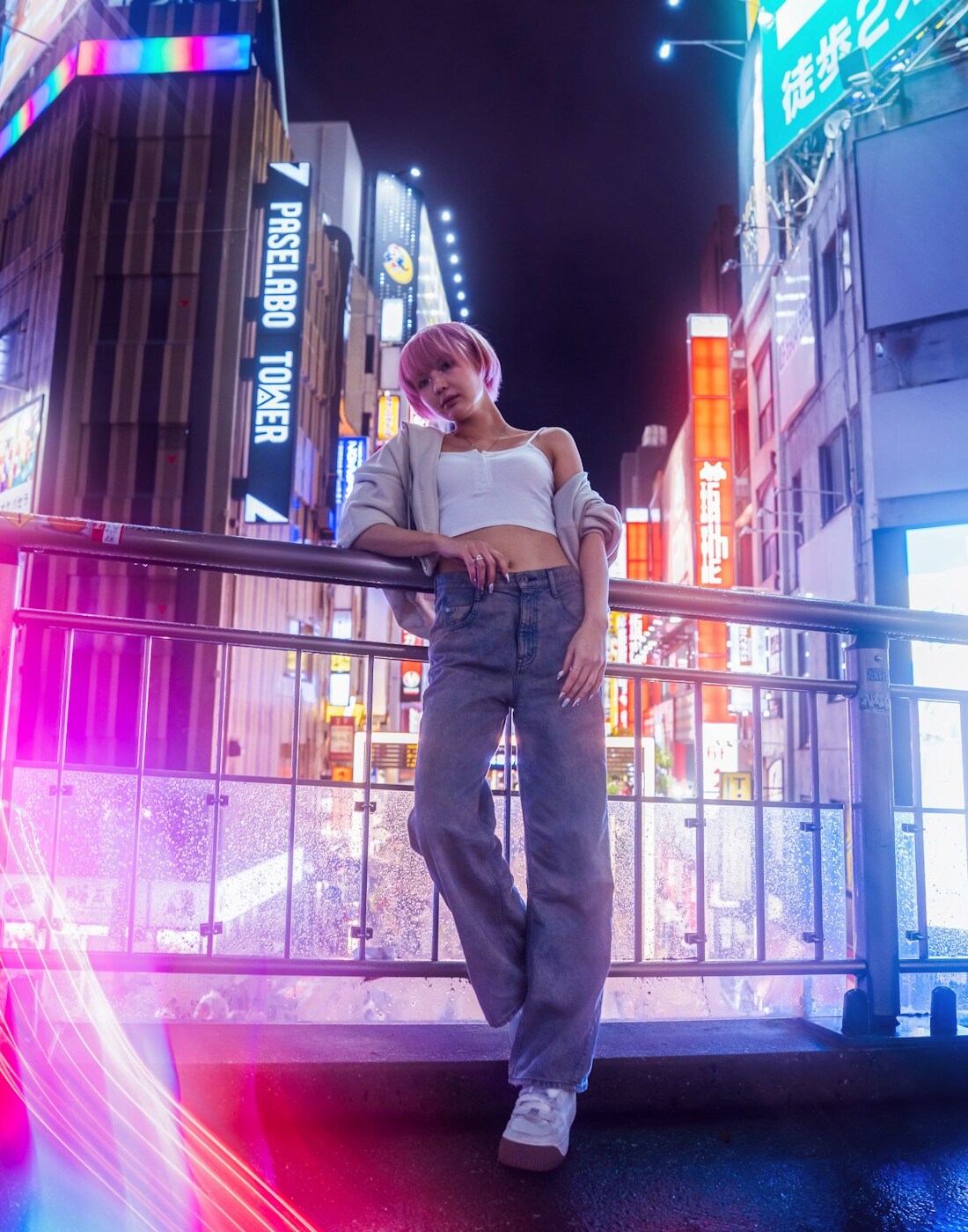
A seated source often works best with a seated or upper-body scene. A standing portrait is easier to extend into walking or full-body motion than a tightly cropped selfie.
4. Request one main action
“Walk slowly toward the camera” is easier to execute consistently than a prompt that asks the subject to walk, turn, wave, sit and change expression in five seconds.
5. Use restrained camera movement
A gentle push-in, slow pan or smooth tracking shot usually looks more cinematic than a fast orbit around the subject. Extreme camera moves force the model to invent large parts of the person and background.
6. Mention natural motion
Useful phrases include “subtle head movement,” “natural blink,” “realistic clothing motion,” and “gentle hair movement.” These cues encourage movement without turning every element into an effect.
7. Keep lighting coherent
If the reference is lit from the left, a scene with strong opposite lighting may make the face look inconsistent. Choose a scene whose mood is compatible with the source whenever possible.
8. Watch hands and occlusion
Hands crossing the face, microphones, glasses and foreground objects can make identity preservation harder. Cleaner inputs are easier to animate.
9. Judge the whole clip, not one frame
A single frame can look excellent while the face drifts during motion. Preview the entire result and pay attention to transitions, not only the thumbnail.
10. Regenerate with a better input before adding more prompt text
When a clip fails, users often add a much longer prompt. Sometimes the better fix is simply a clearer photo. Change one variable at a time so you know what actually improved the result.
A repeatable workflow
For most SupaPic scenes, a reliable sequence is: choose a compatible scene, upload a clear photo, use the default motion direction, generate a short clip, review identity and only then experiment with more expressive prompts or another scene.
You can also read our guide on choosing the best photos for AI video before your next generation.


