
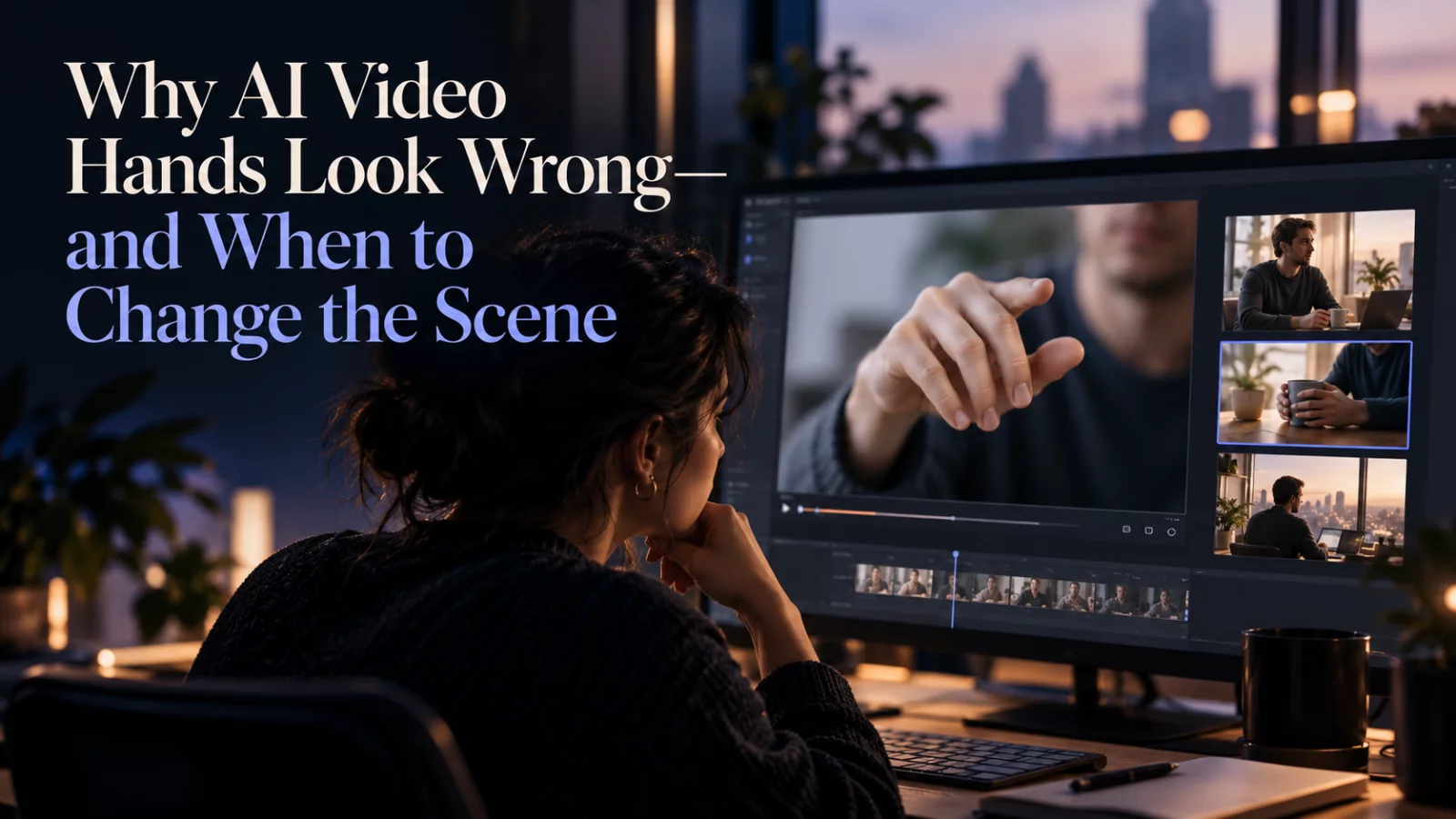
Hands can ruin an otherwise believable AI video in a single frame. Fingers merge, extra joints appear, or a hand changes size as it moves toward the camera. These problems are not necessarily related to face replacement: the body motion may be hard for the model to reconstruct.
Identify whether the action is visible in the reference
A portrait photo that shows only the shoulders provides little information about the hands. If you then request a complicated gesture, the model must invent both anatomy and motion. That is a harder task than asking for a small head turn.
A video-to-video task often gives the model more motion reference than a still image, but close interactions between hands, objects and faces can still be difficult.
Keep the action readable
If fingers are a major part of the story, choose a source where the hands are well lit and not heavily blurred. Avoid stacking several intricate gestures into a few seconds. A hand reaching for a coffee cup is easier to follow than rapidly spinning a small object between fingers.
Avoid hiding a bad render behind resolution
Higher resolution may make fingers sharper, but it can also reveal distorted anatomy more clearly. Fix the underlying pose or reduce the complexity of the action before paying for a high-quality export.
Use the frame to your advantage
Not every clip needs a full-body view. A medium close-up may keep attention on facial identity and expression while avoiding difficult hand movements outside the story's main action. That is a creative choice, not a trick.
If the hands must remain visible, inspect them through the whole clip rather than only in the thumbnail. One malformed frame can be obvious during a slow gesture.
The best scene is one where the model has enough visual information to support the action. Simpler is often more convincing, especially when the source starts from a single photo.


