
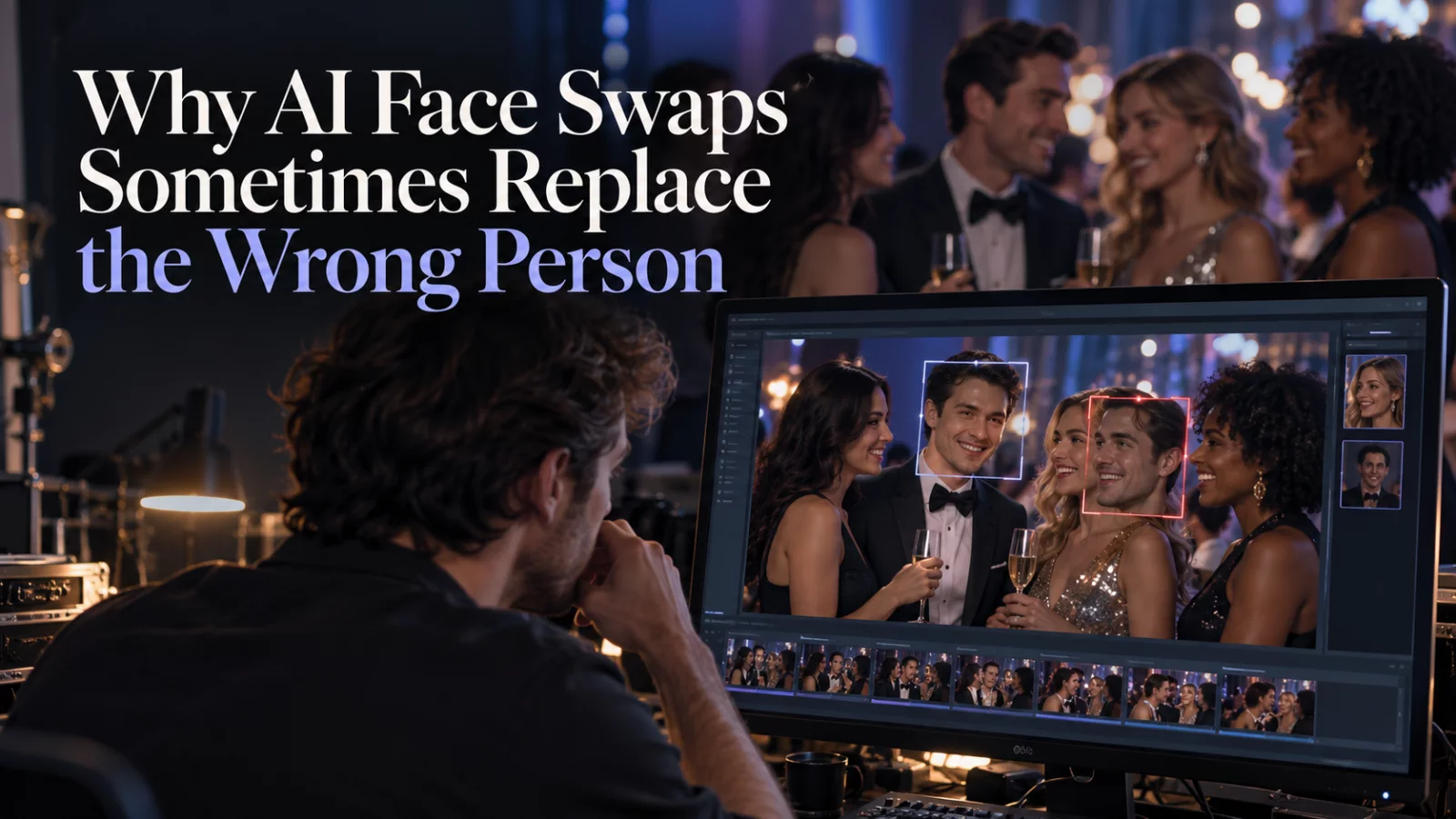
You upload one photo for a specific actor. The AI edits someone else. The result can be technically impressive and completely unusable.
This often happens because a model interprets words such as “main,” “first,” or “foreground” differently from a human watching the whole clip. The closest person to the camera is not always the person whose dialogue matters.
Describe the source character without ambiguity
Instead of “the second guy,” describe the person using several cues that point to the same actor. A clothing color, hair length, facial hair, and speaking moment are helpful in combination.
For example: “Replace only the long-haired, bearded speaker in the dark shirt who responds during the middle section.” This is much stronger than “replace the guy who talks,” especially when two people speak.
List the people that must not change
If a young man in a red jacket appears in the same shot, explicitly state that he remains untouched. The exclusion is not redundant: it clarifies the boundary of the edit.
When there are two uploaded photos, map them one-to-one. Make the assignment permanent across camera cuts and re-entries. An identity should not jump to another face when the target leaves the frame.
Compare the first failure with the new prompt
If the wrong person consistently changes after you improve the description, the model may not support sufficiently precise target assignment for that scene. Consider a different editing engine or a workflow that allows explicit person selection or masking.
Do not keep spending on identical prompts while expecting a different outcome. A stable, repeatable mistake is useful diagnostic evidence.
Review all non-targets
The final pass should check every face in the clip, not only the intended subject. A swap that looks good for one character but quietly changes a bystander is not a clean edit.
If your scene includes two actual targets, read our two-person identity mapping guide before your next render.


