
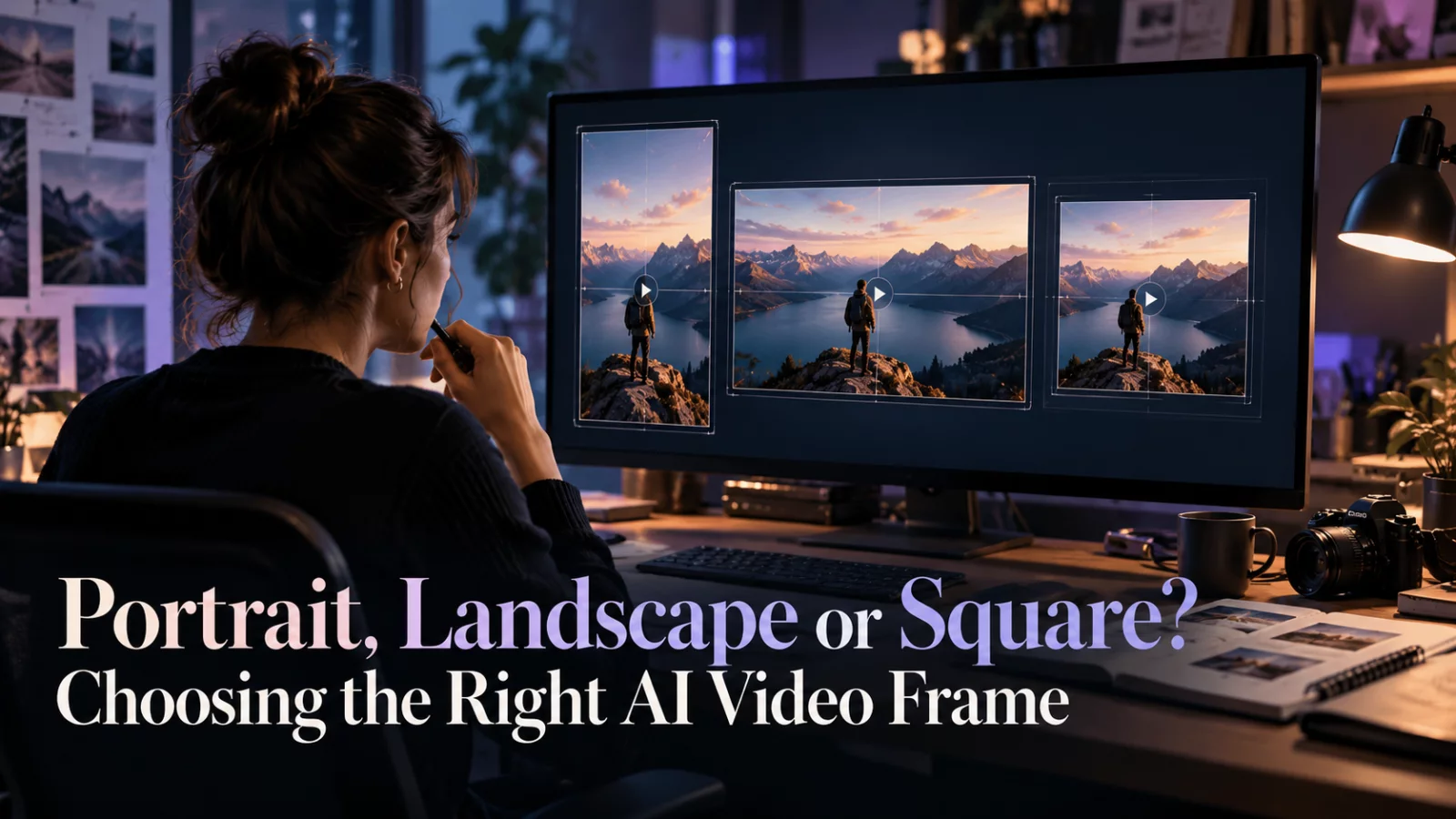
A technically good AI video can look awkward on the wrong platform. The subject's face is cropped off in a vertical post, or a wide cinematic shot leaves the character tiny in a mobile feed. The problem is often aspect ratio rather than generation quality.
Start with where the video will live
A vertical frame is convenient for many short-form mobile formats. A widescreen frame gives more room for environments and multiple people. Square can be useful for compact social placements, but it often requires careful centering.
The exact platform requirements may change, so check the destination before exporting. The important decision is whether the original composition survives the crop.
Single person or two-person conversation?
A close-up of one person often adapts well to vertical composition. A conversation with people standing on opposite sides of a wide frame does not. Cropping it to 9:16 may remove a speaker or make the dialogue visually confusing.
For video-to-video identity edits, preserving the source framing may be more important than forcing a new aspect ratio. If the model supports an auto or source setting, that can be safer for an existing clip.
More pixels do not restore missing composition
A 1080p vertical export is still the wrong deliverable if the main action happens outside the crop. Decide on framing first, then choose resolution.
Test the result at the size people will actually watch it. A character that looks adequately sized on a desktop may be hard to recognize on a phone.
Compose for captions and interface overlays
Leave some breathing room near the edges where captions, account names and app controls may appear. Avoid placing critical facial expressions behind large on-screen text. You can add subtitles after generation rather than asking the AI model to render words inside the video.
This is a small production decision with a large effect on usability. The best-looking output is not always the one that fills the most pixels.


