
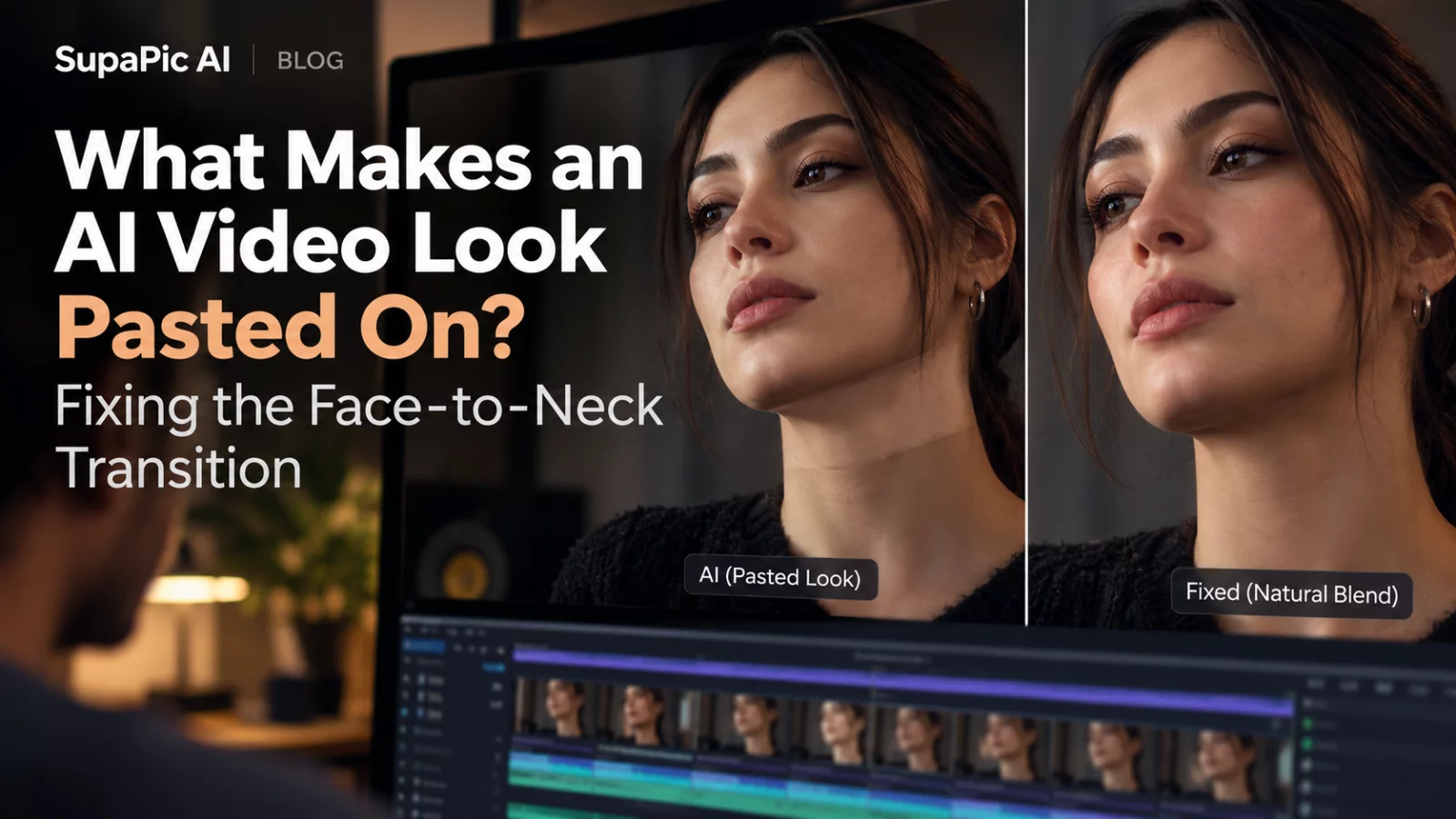
There is a particular kind of bad face swap that is easy to recognize: the eyes and nose are believable, but the whole head looks like a sticker. The edge under the chin has a different color. The neck seems to belong to someone else. Sometimes the face moves with the actor while its shadow does not.
The boundary is the problem
Face replacement changes identity details in a region that must blend into the rest of the moving image. If the model only changes the central face, the original actor's jawline or beard can remain. The result creates two incompatible versions of the same person.
A reference photo with a visible jaw, chin and hairline helps. A heavily cropped face provides less guidance about where the new identity should connect.
Compare lighting before color grading
The face should be lit by the same environment as the neck and clothing. If a scene has warm overhead light, the new face should not remain cool blue. That is not simply a matter of increasing saturation.
Look for the direction of shadows beneath the nose and chin. When those shadows disagree with the neck, the edit feels disconnected even if the skin tones are similar.
Prompt for a complete identity transition
For a model capable of wider identity editing, a specific instruction can help:
Preserve the subject's full face shape and jawline from the identity reference. Blend naturally into the source neck under the scene's lighting. Avoid visible seams, pasted-on edges and inherited facial hair from the original actor.
If the tool supports only a narrow face swap, that prompt may exceed its actual capabilities. A head-swap or recast model might be a better fit.
Judge movement, not just a still frame
An edge can be hidden in a single image but appear during a nod or head turn. Review the lower face while the subject speaks. Also watch whether the chin stretches or snaps as the neck rotates.
A polished-looking first frame is a starting point, not proof of a good video edit. The transition must survive motion.


